What Is CAQH ProView and How Does It Work?
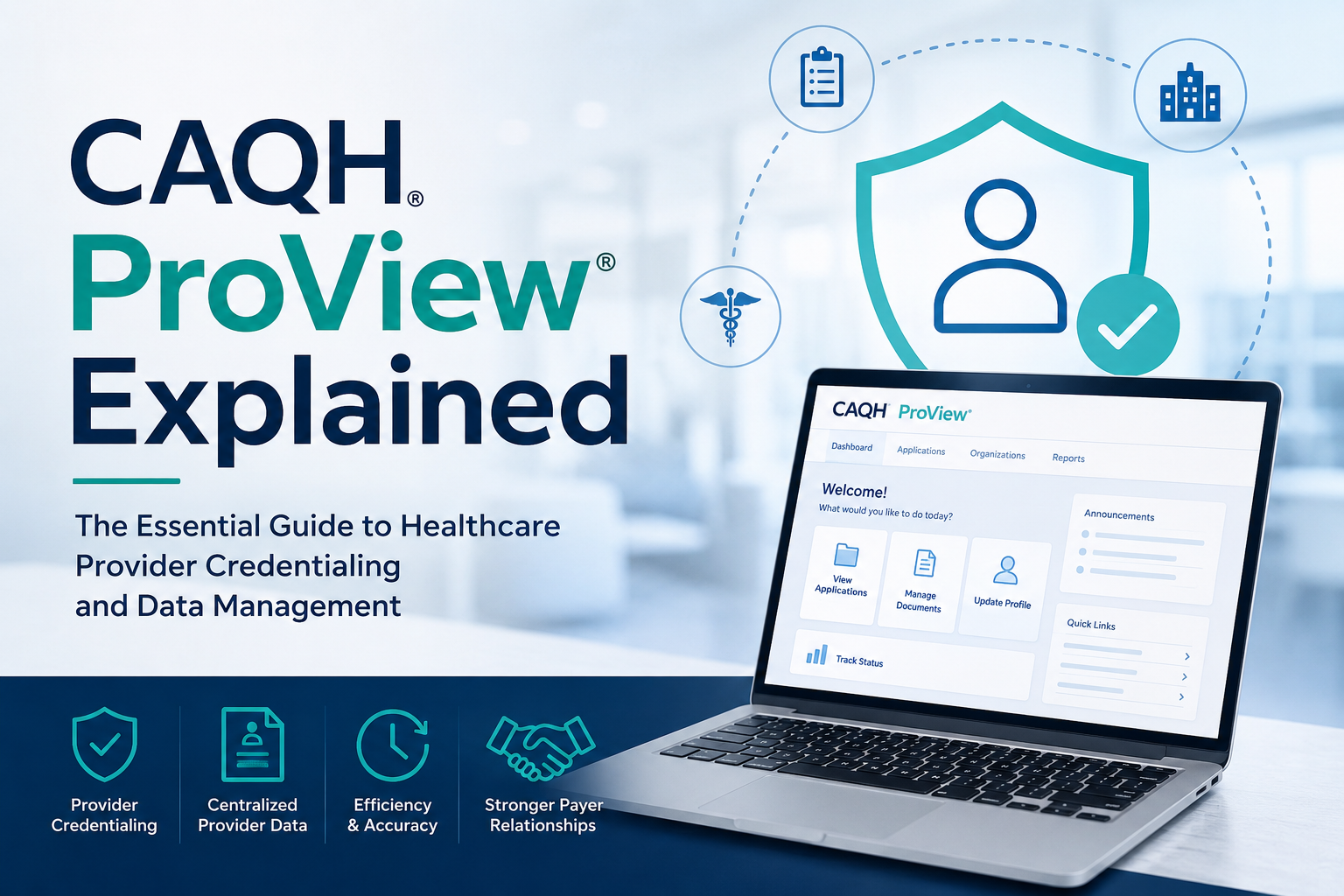
CAQH ProView is the former name of the CAQH Provider Data Portal, an online system where U.S. healthcare providers enter, maintain, attest to, and share their professional information with authorized health plans and healthcare organizations.
The portal helps reduce repetitive credentialing paperwork. Instead of entering the same education, licensing, insurance, work-history, and practice information separately for every participating payer, a provider can maintain one central profile and authorize selected organizations to access it.
However, completing CAQH does not automatically credential a provider, enroll the provider with Medicare, create an insurance contract, or guarantee admission to a payer network. It supplies information that authorized organizations may use during those processes.
What Is CAQH ProView Called Now?
CAQH ProView is now called the CAQH Provider Data Portal. In June 2026, CAQH also rebranded its broader organization as DataSpring, powered by CAQH.
Providers may therefore encounter several related names:
- CAQH ProView
- CAQH Provider Data Portal
- DataSpring
- DataSpring Provider Data
- DataSpring Credentialing
These names do not necessarily refer to separate provider accounts. The official terms identify the CAQH Provider Data Portal as the service formerly known as ProView, while DataSpring’s current clinician page continues to direct providers to the established portal for registration and login.
The American Dental Association states that the June 2026 rebrand did not interrupt its CAQH-powered credentialing service. That suggests existing users should expect branding changes rather than a completely separate credentialing workflow.
Read More: CAQH Profile Setup Guide: Steps, Requirements & Credentialing Tips
What Does CAQH ProView Actually Do?
CAQH ProView provides a centralized place for healthcare practitioners to enter, update, verify, and securely share professional and practice information with organizations they authorize.
The portal’s main functions include:
- Collecting provider identity and professional information
- Storing supporting credentialing documents
- Identifying missing information or profile errors
- Allowing providers to attest that their information is accurate
- Allowing providers to authorize participating organizations
- Supporting payer credentialing and recredentialing
- Supporting provider directory maintenance
- Reducing repeated data entry across participating organizations
DataSpring reports that the portal contains more than 4.8 million provider records and that 2.5 million clinicians have confirmed their information within the previous 120 days. It also states that approximately 80% of U.S. clinicians use CAQH solutions to share information with health plans.

What does CAQH ProView not do?
CAQH does not:
- Issue medical or professional licenses
- Issue National Provider Identifiers
- Enroll providers in Medicare
- Automatically enroll providers in Medicaid
- Guarantee health plan participation
- Replace a payer’s network application
- Negotiate reimbursement rates
- Create a provider contract
- Make every payer’s final credentialing decision
A more accurate description is that CAQH acts as a provider-data collection and sharing platform within the credentialing process.
Who Uses the CAQH Provider Data Portal?
The CAQH Provider Data Portal is used by individual practitioners, practice administrators, provider groups, health plans, hospitals, dental plans, credentialing organizations, and other authorized healthcare entities.
Providers who commonly maintain profiles include:
- Physicians
- Dentists
- Psychologists
- Psychiatrists
- Licensed therapists
- Clinical social workers
- Professional counselors
- Nurse practitioners
- Physician assistants
- Chiropractors
- Optometrists
- Other licensed healthcare practitioners
Practice managers and credentialing staff may also help providers enter and maintain information. However, the provider remains responsible for verifying the submitted information.
The portal’s terms state that providers may authorize practice administrators to enter data, but the provider is responsible for identifying and correcting mistakes, omissions, or errors.
Is CAQH ProView Required and Is It Free?
CAQH participation is generally voluntary, and the Provider Data Portal is free for healthcare providers.
It may still feel mandatory in practice because many health plans and other organizations require or strongly request a completed CAQH profile as part of their credentialing workflow.
DataSpring reports that more than 1,000 health plans, hospitals, and healthcare organizations participate in its provider-data solutions. Its official FAQ states that providers do not pay to enter, maintain, or share their information, while participating organizations pay for access and related administrative uses.
A provider should therefore distinguish between two ideas:
- CAQH does not universally require every provider to register.
- A specific payer may require CAQH as a condition of its application or credentialing process.
The CAQH Provider Data Portal terms confirm that such a requirement comes from the participating healthcare organization—not from CAQH itself.
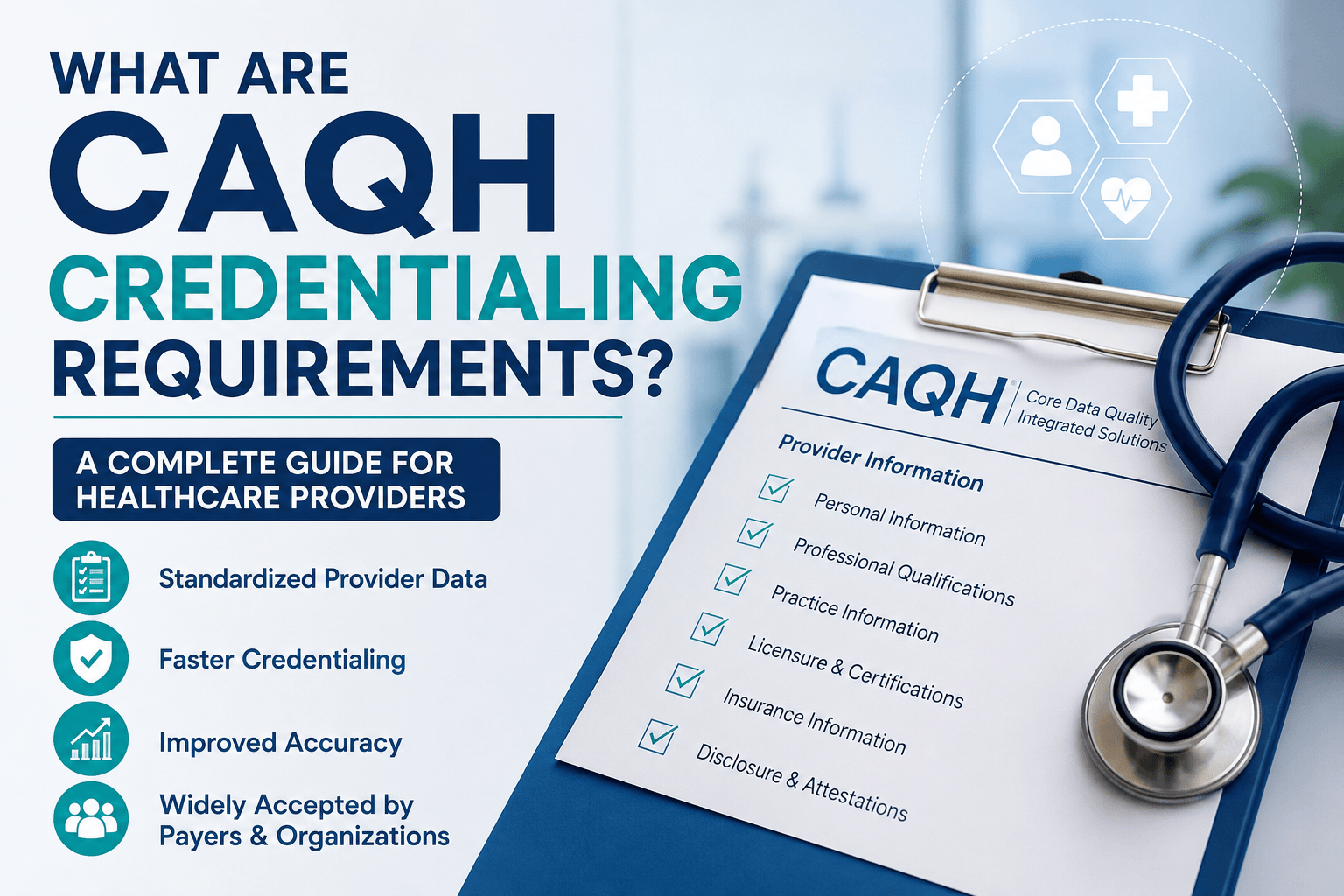
What Information Does a CAQH Profile Contain?
A CAQH profile contains the professional, educational, licensing, practice, insurance, work-history, and disclosure information that health plans commonly evaluate during credentialing.
Exact requirements may vary by provider type, specialty, state, practice arrangement, and payer requirements.
What Provider Identification Information Is Required?
Providers may need to enter identifying information such as:
- Legal name
- Previous names
- Date of birth
- Home or correspondence address
- Contact information
- National Provider Identifier
- Provider taxonomy
- Professional license numbers
- State of licensure
- DEA registration, when applicable
- Controlled-substance registration, when applicable
- CAQH Provider ID
The information should be consistent with records submitted to licensing boards, NPPES, government programs, employers, and insurance companies.
An NPI alone does not prove that a provider is licensed or credentialed. CMS specifically notes that NPI issuance does not validate a healthcare provider’s licensing or credentialing status.
What Professional and Practice Information Is Required?
A CAQH profile may request:
- Professional school and degree information
- Internship, residency and fellowship history
- Board certification
- Continuing or specialized training
- Work history
- Employment gaps
- Hospital affiliations
- Admitting privileges
- Primary and additional practice locations
- Office hours
- Services and specialties
- Languages spoken
- Billing and correspondence information
- Professional liability coverage
- Malpractice history
- Sanctions and disciplinary disclosures
- Peer references, when applicable
DataSpring’s explanation of provider credentialing identifies contact details, education, training, licenses, certifications, affiliations, work history, liability coverage, malpractice history, sanctions, and references as common credentialing elements.
What Documents May Need to Be Uploaded?
Providers should be prepared to upload current supporting documents, including applicable copies of:
- State professional licenses
- Professional liability insurance face sheets
- Board certification documents
- Training certificates
- DEA or controlled-substance registrations
- Curriculum vitae
- Work-history documentation
- State-specific forms
- Authorization, attestation, or release documentation
- Explanations requested for disclosure answers
The official Provider Data Portal FAQ specifically identifies licenses, training certificates, and liability insurance as examples of documents stored within a profile.
Not every document applies to every profession. A therapist, dentist, physician, nurse practitioner, and physician assistant may receive different questions or documentation requests.
How Do You Complete CAQH ProView Step by Step?
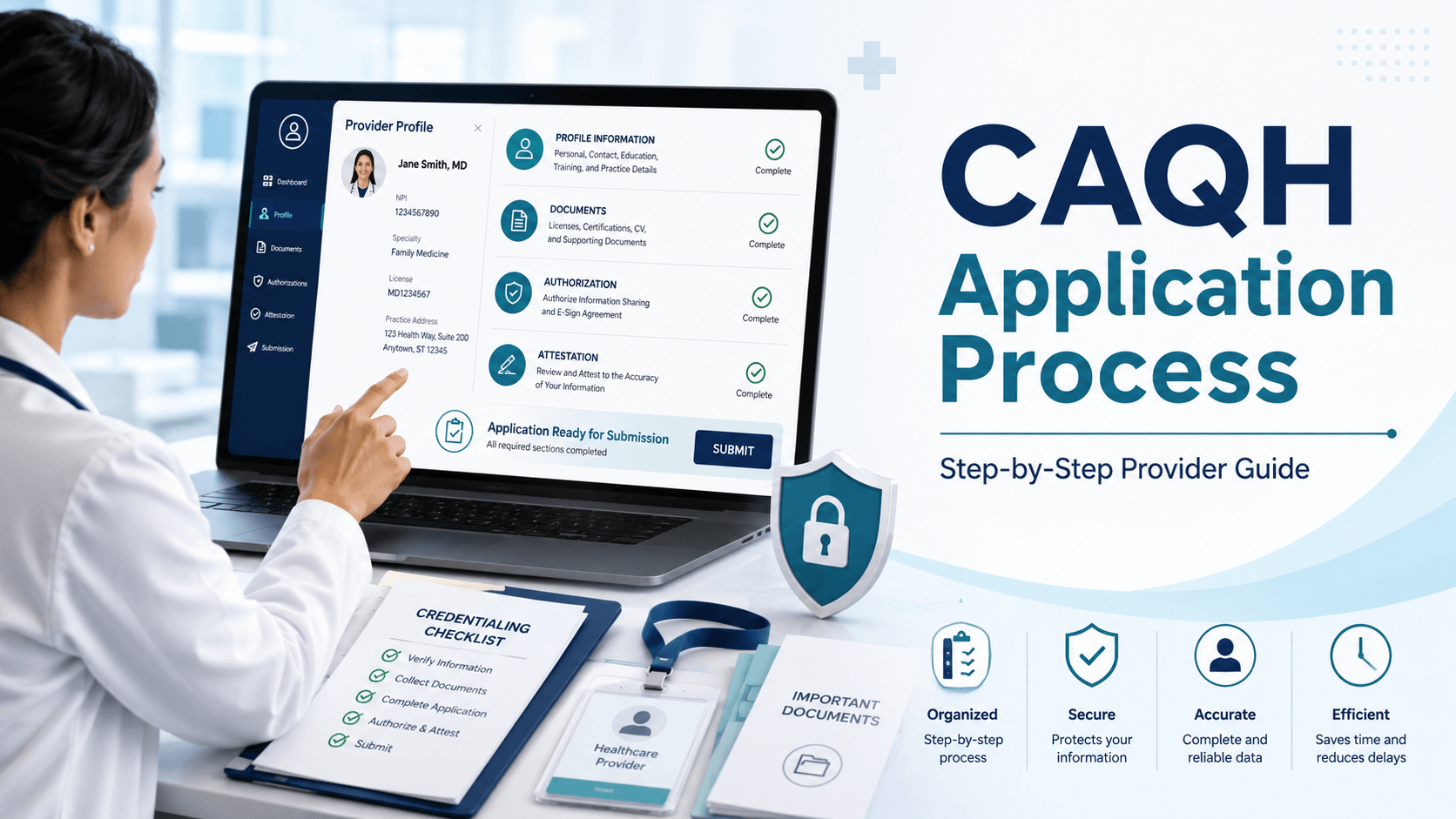
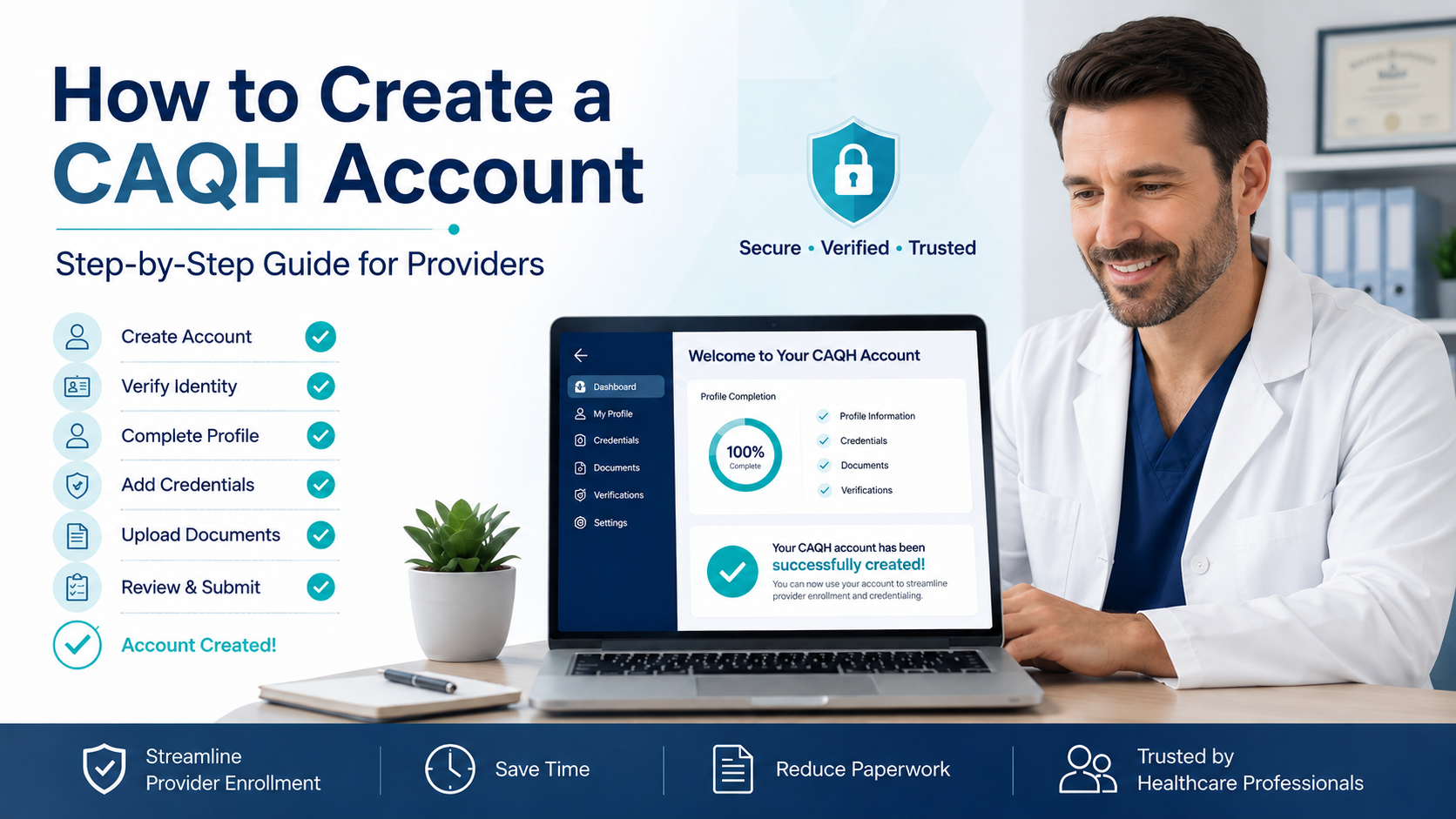
To complete CAQH ProView, register for an account, enter all required information, upload applicable documents, correct errors, attest to the profile, and authorize the appropriate organizations.
How Do You Register for a CAQH Account?
Providers can register after receiving an invitation from a participating organization or may choose to register independently.
The general process is:
- Access the official provider registration portal.
- Select the registration option.
- Enter the requested identification information.
- Create secure login credentials.
- Record the assigned CAQH Provider ID.
- Confirm the account through the registration communication.
A provider may also receive a welcome email when a health plan or affiliated organization asks CAQH to invite the provider. The official FAQ confirms that providers can choose to register at any time rather than waiting for an invitation.
Store the CAQH Provider ID securely. Support representatives and participating organizations may request it when helping with an account or credentialing application.
How Do You Complete and Review the Profile?
Complete every required profile section and make sure the information agrees with other official records.
A practical completion sequence is:
- Enter personal and identifying information.
- Add professional licenses and registrations.
- Enter education and training history.
- Add board certifications.
- Complete work history.
- Explain employment gaps when requested.
- Add practice locations.
- Enter hospital affiliations and privileges.
- Add liability insurance information.
- Answer disclosure questions.
- Review the profile for errors or incomplete sections.
Do not copy outdated information from an old credentialing spreadsheet without reviewing it. Practice addresses, phone numbers, employment dates, license expiration dates, insurance coverage, and hospital affiliations frequently change.
How Do You Upload Supporting Documents?
Upload each requested document in the correct profile category and verify that it is current, readable, and complete.
Before uploading, check:
- The provider’s name is visible.
- The document has not expired.
- The policy or license number matches the profile.
- All pages are included.
- The image is readable.
- The correct document type is selected.
- The coverage dates are visible.
- The file belongs to the correct provider.
Uploading a document does not correct conflicting data elsewhere in the profile. The information entered into the profile should match the supporting record.
How Do You Attest to the Information?
Attestation is the provider’s formal confirmation that the submitted information is accurate, complete, and current to the best of the provider’s knowledge.
Before attesting:
- Review the full profile.
- Correct all required errors.
- Replace expired documents.
- Confirm each practice location.
- Review disclosure answers.
- Check authorization settings.
- Complete the electronic attestation process.
Attestation should not be treated as an automatic administrative click. It carries responsibility because health plans and their agents may rely on the information during credentialing, directory maintenance, and other authorized activities.
How Do You Authorize Insurance Companies?
Providers must authorize the appropriate participating organizations to access their CAQH information.
Authorization allows a selected health plan, hospital, credentialing organization, or other participant to retrieve the profile for an approved purpose.
After submitting a payer application:
- Confirm that the payer participates in CAQH.
- Search for the organization in the authorization area.
- Make sure the correct payer entity is selected.
- Confirm that access has not been restricted unintentionally.
- Record when authorization was granted.
- Notify the payer if its instructions request confirmation.
This step is easy to miss. A completed and attested profile may still be unusable to a payer that has not been authorized.
UnitedHealthcare instructs applicants to verify that CAQH has authorized UnitedHealthcare to view their information. Aetna similarly reminds applicants to designate Aetna as an authorized health plan when CAQH or another credentialing vendor is used.
What Does CAQH Attestation Mean?
CAQH attestation means that the provider confirms the profile information is truthful, complete, and current.
The provider is not merely confirming that every field contains text. The provider is confirming the accuracy of information that authorized organizations may investigate and use.
Attestation covers areas such as:
- Licenses
- Education
- Training
- Work history
- Practice locations
- Insurance coverage
- Disclosures
- Uploaded documents
- Other professional information
Even when a practice administrator enters the data, the provider should perform the final review. CAQH’s terms place responsibility on the user to verify submitted information and correct mistakes or omissions.
How Often Must You Re-Attest to CAQH?
Most providers must re-attest to their CAQH profile every 120 days. The current DataSpring FAQ identifies 180 days for Illinois providers.
Providers participating in some directory-maintenance workflows may receive quarterly requests, which can result in confirmation every 90 days. When the applicable attestation deadline is missed, the profile may change to an expired status.
Re-attestation does not always require rebuilding the entire profile. The provider should:
- Review existing information
- Update changed information
- Replace expired documents
- Correct identified errors
- Confirm authorization settings
- Submit a new attestation
A profile should also be updated whenever a material change occurs, rather than waiting for the next deadline.
Examples include:
- A new practice location
- A closed office
- A new license
- A renewed insurance policy
- A legal name change
- A new hospital affiliation
- A change in accepting-new-patients status
- A new specialty or board certification
- A disciplinary or malpractice disclosure
Does Completing CAQH Credential You With Insurance Companies?
No. Completing CAQH does not, by itself, credential a provider or make the provider in-network.
CAQH provides data that an authorized health plan may use during credentialing. The payer may then verify qualifications, review sanctions and disclosures, evaluate network needs, complete committee review, issue a decision, negotiate or issue a contract, and load the provider into its systems.
A typical payer workflow may include:
- Network participation request
- Payer application
- CAQH profile access
- Primary source verification
- Credentialing review
- Credentialing decision
- Contracting
- Provider system loading
- Effective-date confirmation
Aetna explains that it retrieves the provider’s CAQH application to begin credentialing after relevant onboarding or contracting steps. UnitedHealthcare states that providers must complete both credentialing and contracting before they can begin treating members as in-network providers.
Therefore, a provider should not schedule or bill patients as in-network based only on a completed CAQH profile. Wait for written confirmation of participation and the effective date from the payer.
How Is CAQH Different From NPPES, PECOS and Payer Enrollment?
CAQH, NPPES, PECOS, and payer enrollment support different parts of provider administration. Completing one system does not automatically complete the others.
CMS identifies NPPES as the system through which NPIs are issued and PECOS as Medicare’s provider enrollment system. Commercial payers maintain their own participation, credentialing, and contracting requirements.
| System or process | Primary purpose | What it does | What it does not automatically do |
|---|---|---|---|
| CAQH Provider Data Portal | Centralized provider-data collection and sharing | Stores professional information and shares it with authorized organizations | Does not guarantee payer approval or create a network contract |
| NPPES | NPI enumeration | Issues and maintains National Provider Identifier records | Does not prove that the provider is licensed, credentialed, or contracted |
| PECOS | Medicare provider enrollment | Enrolls, revalidates, and updates providers in Medicare | Does not replace commercial payer credentialing |
| Commercial payer enrollment | Requesting participation with an insurance company | Opens the payer-specific network application process | Does not guarantee approval |
| Credentialing | Evaluating professional qualifications | Verifies licenses, education, work history, and other credentials | Does not always complete contracting |
| Contracting | Establishing network terms | Creates the participation agreement and reimbursement relationship | Does not replace credential verification |
| Provider loading | Adding an approved provider to payer systems | Creates operational records needed for claims and directories | Should not be assumed complete until the payer confirms it |
The easiest way to remember the distinction is:
- NPPES identifies the provider.
- PECOS enrolls the provider in Medicare.
- CAQH organizes and shares provider information.
- The payer credentials, contracts, and loads the provider.
What Common CAQH Mistakes Can Delay Credentialing?
The most common CAQH problems involve incomplete data, expired documents, inconsistent records, missed attestations, and incorrect authorization settings.
1. Assuming CAQH is the payer application
A provider may complete CAQH but never submit the payer’s network participation request.
Why it matters: The payer may not know that the provider wants to join its network.
2. Failing to authorize the payer
The profile may be complete, but the payer cannot retrieve it.
Why it matters: The credentialing file may remain pending while the payer requests access.
3. Allowing the profile to expire
Missing a re-attestation deadline may cause the profile to become expired.
Why it matters: The payer may be unable or unwilling to use stale information.
4. Uploading expired documents
Expired licenses or liability insurance records can make the file incomplete.
Why it matters: Credentialing requires current evidence.
5. Entering inconsistent practice information
The address in CAQH may differ from the payer application, NPPES record, W-9, license, or malpractice policy.
Why it matters: Inconsistency may trigger clarification requests or manual review. This is a practical inference based on payers’ use of CAQH information for credentialing and directory management.
6. Leaving unexplained work-history gaps
A provider may enter incomplete employment dates without supplying a requested explanation.
Why it matters: The payer may need additional information before completing verification.
7. Selecting the wrong practice location status
Old locations may remain active, while new locations may be incomplete.
Why it matters: Incorrect locations can affect credentialing, directories, claims setup and patient access.
8. Treating attestation as a staff-only responsibility
An office administrator may submit information without a final provider review.
Why it matters: The provider remains responsible for verifying the profile.
9. Assuming credentialing means contracting is finished
A provider may receive a credentialing approval but still lack a completed contract or effective date.
Why it matters: Claims submitted too early may process as out-of-network or deny.
10. Updating CAQH but not notifying other systems
Changing an address in CAQH does not guarantee that NPPES, Medicare, Medicaid, every payer contract, or every claims system will update automatically.
Why it matters: Each system may have a separate change-notification process.
How Can Practices Keep CAQH Profiles Accurate?
Practices can keep CAQH profiles accurate by assigning ownership, maintaining a credentialing calendar, reviewing documents before expiration, and reconciling information across systems.
Use the following maintenance process:
Maintain a central provider record
Keep a secure source of truth for:
- Legal name
- NPI
- Taxonomy
- License details
- DEA information
- Board certification
- Practice locations
- Employment history
- Insurance coverage
- Hospital privileges
- Payer participation
Track renewal dates
Create reminders for:
- CAQH re-attestation
- State license renewal
- Professional liability renewal
- DEA renewal
- Board certification expiration
- Controlled-substance registration renewal
- Payer recredentialing
- Medicare or Medicaid revalidation
Review the profile before every payer application
Do not assume a profile attested several weeks ago still reflects the payer application being submitted today.
Confirm:
- Practice name
- Service address
- Billing address
- Telephone number
- Specialty
- Taxonomy
- Accepting-new-patients status
- Hospital privileges
- Liability coverage
Record authorization activity
Maintain a log showing:
- Payer name
- Application date
- CAQH authorization date
- Latest attestation date
- Documents requested
- Follow-up date
- Credentialing status
- Contracting status
- Effective date
Require provider approval
Credentialing staff may prepare the data, but the provider should verify sensitive professional information before final attestation.
When Should a Practice Get Help Managing CAQH?
A practice should consider credentialing support when administrative workload, multiple payer applications, frequent provider changes, or missed deadlines make accurate profile maintenance difficult.
Professional support may be useful when:
- A provider is opening a new practice.
- Multiple insurance applications are being submitted.
- A provider is joining several practice locations.
- The practice is adding physicians or clinicians.
- CAQH information conflicts with payer records.
- Profiles repeatedly become incomplete or expired.
- Staff cannot track document renewals.
- Payer follow-ups are not being answered promptly.
- Credentialing delays are postponing the ability to bill.
- The practice is expanding into new states or payer networks.
A credentialing service may help organize documents, update profile sections, monitor attestation dates, manage payer authorizations, track applications, and respond to administrative follow-ups.
The provider should still review and approve the final information. Outsourcing data entry does not transfer the provider’s responsibility for truthful and accurate attestation.
Vital Health Services supports providers with CAQH management, payer enrollment, credentialing communication, recredentialing, and application tracking. This can be especially useful for new practice owners, independent providers, and clinicians expanding their insurance participation.
What Is the Key Takeaway About CAQH ProView?
CAQH ProView—now called the CAQH Provider Data Portal—is a centralized provider-information system used to support credentialing, recredentialing, directory management, and other authorized healthcare administrative processes.
The essential points are:
- CAQH stores and shares provider information.
- Providers control which participating organizations can access their profiles.
- The service is free for providers.
- Most providers must re-attest every 120 days.
- Expired or inconsistent information can disrupt credentialing.
- Completing CAQH does not automatically make a provider in-network.
- NPPES, PECOS, payer enrollment, credentialing, and contracting remain separate processes.
- The provider remains responsible for reviewing and attesting to the information.
What Questions Do Providers Frequently Ask About CAQH?
Can I Create a CAQH Profile Without a Payer Invitation?
Yes. Providers may self-register instead of waiting for a payer or participating organization to send an invitation.
Can My Office Manager Complete My CAQH Profile?
A practice administrator may assist with data entry when properly authorized. However, the provider remains responsible for verifying the information and completing an accurate attestation.
Does Every Insurance Company Use CAQH?
No. CAQH is widely used, but not every health plan or program relies on it for every provider type or market. Always follow the payer’s specific application instructions.
Why Does My CAQH Profile Say Expired?
A profile commonly becomes expired when the provider does not complete re-attestation within the required period. Most providers must re-attest every 120 days, while the current CAQH FAQ identifies a 180-day period for Illinois providers.
Does CAQH Replace Medicare or Medicaid Enrollment?
No. Medicare enrollment is completed through PECOS, while Medicaid enrollment follows the applicable state program’s requirements. CAQH does not replace either process.
Can I Start Seeing In-Network Patients After Completing CAQH?
Not necessarily. Wait until the payer confirms credentialing, contracting, system loading, participation status, and the effective date. UnitedHealthcare specifically states that providers must complete credentialing and contracting before treating members as in-network.
How Can I Get Help With My CAQH Account?
The current DataSpring support page lists provider support at 1-888-599-1771, Monday through Friday from 8:00 a.m. to 8:00 p.m. Eastern Time. Portal chat support is also available during listed business hours.