How to Credential a New Physician: Step-by-Step Guide for Medical Practices
Credentialing a new physician is one of the most important parts of provider onboarding.
If the process is delayed or handled incorrectly, the new physician may be ready to see patients but still unable to participate with certain insurance plans or bill them correctly.
That can create:
- delayed start dates,
- scheduling problems,
- denied claims,
- delayed reimbursement,
- payer enrollment issues, and
- unnecessary administrative work.
The best approach is to treat physician credentialing as a structured workflow rather than a collection of forms.
A practical process looks like this:
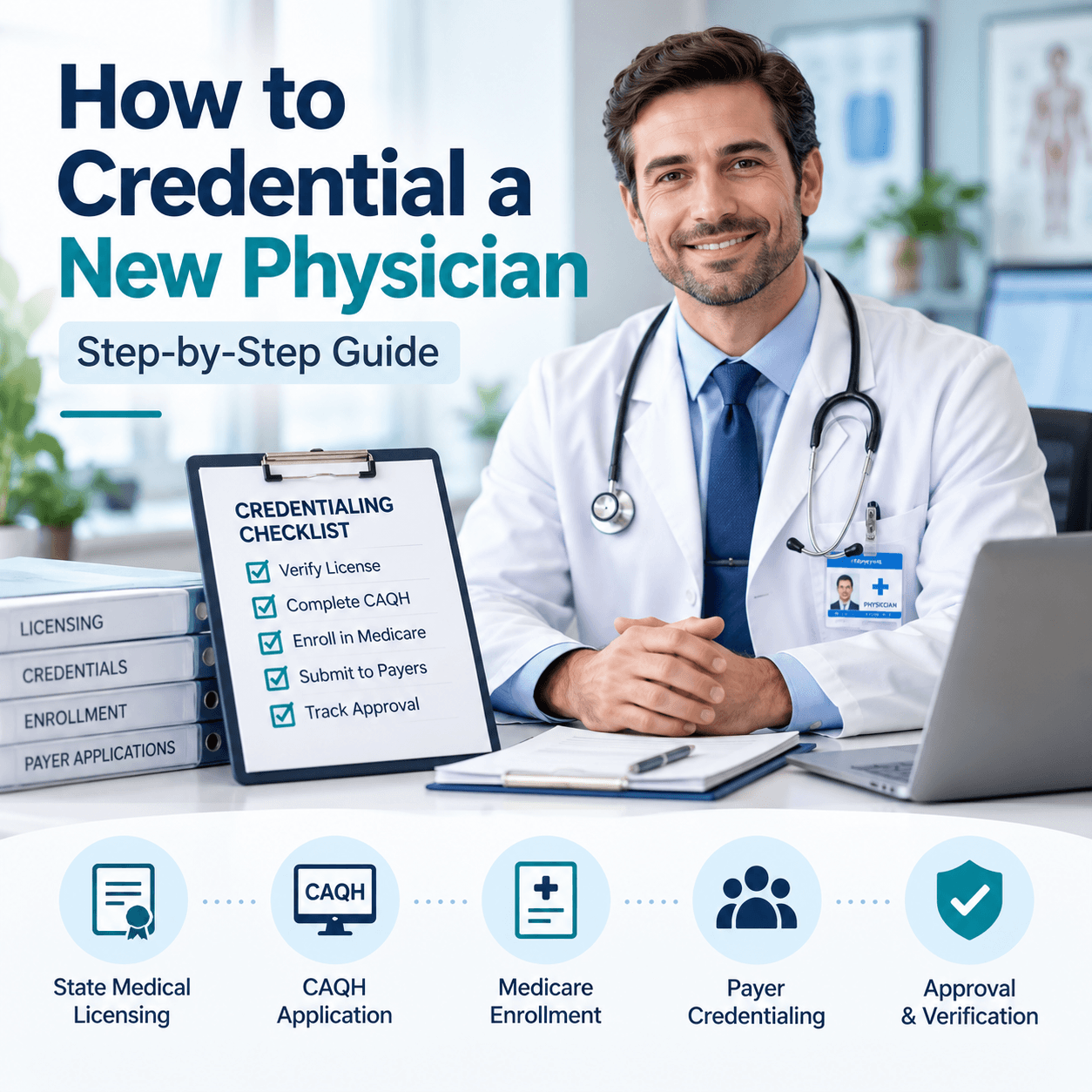
Collect provider information → Verify records → Update CAQH → Submit payer applications → Complete Medicare enrollment if applicable → Track each application → Confirm approval → Confirm effective date → Notify billing
Table of Contents
ToggleWhat Does It Mean to Credential a New Physician?
Credentialing is the process of verifying a physician’s professional qualifications and background before the physician is approved to participate with a health plan, hospital, medical group, or other healthcare organization.
Depending on the organization, verification may include:
- medical education,
- residency and fellowship,
- state licensure,
- board certification,
- DEA registration,
- malpractice coverage,
- work history,
- hospital affiliations,
- sanctions or disciplinary information, and
- other professional credentials.
The American Medical Association notes that physician credentialing commonly involves verification of professional information from authoritative or primary sources. CMS
Step 1: Start Credentialing Before the Physician’s Start Date
Do not wait until the new physician arrives.
Credentialing, enrollment, verification, and payer processing can take time, so practices should begin as early as practical.
Your first goal is to create a complete provider file.
Collect:
- full legal name,
- date of birth,
- Social Security number where required,
- NPI,
- CAQH ID,
- state license,
- DEA information where applicable,
- board certification,
- medical school information,
- residency/fellowship history,
- employment history,
- malpractice insurance,
- hospital affiliations,
- practice locations,
- billing information,
- tax information,
- W-9,
- professional references where required, and
- copies of supporting documents.
A missing document at the beginning can create weeks of delay later.
Step 2: Confirm the Physician Has an NPI
A physician generally needs an NPI — National Provider Identifier for healthcare administrative transactions.
CMS states that NPIs are issued through the National Plan & Provider Enumeration System (NPPES). CMS
Before submitting applications, verify:
- NPI number,
- provider name,
- taxonomy,
- practice address,
- mailing address, and
- other relevant NPPES information.
Important
Having an NPI does not mean the physician is automatically credentialed or enrolled with insurance plans.
The NPI identifies the provider.
Credentialing and payer enrollment are separate processes.
Official resource:
CMS — Become a Medicare Provider or Supplier
Step 3: Review the Physician’s State License
Confirm that the physician has the appropriate active license for the state where the physician will practice.
Check:
- legal name,
- license number,
- expiration date,
- license status,
- restrictions if any, and
- whether the license matches the intended practice state.
If the physician is moving from another state, begin state licensing early.
Do not assume credentialing can move forward normally while required licensure is still unresolved.
Step 4: Create or Update the CAQH Profile
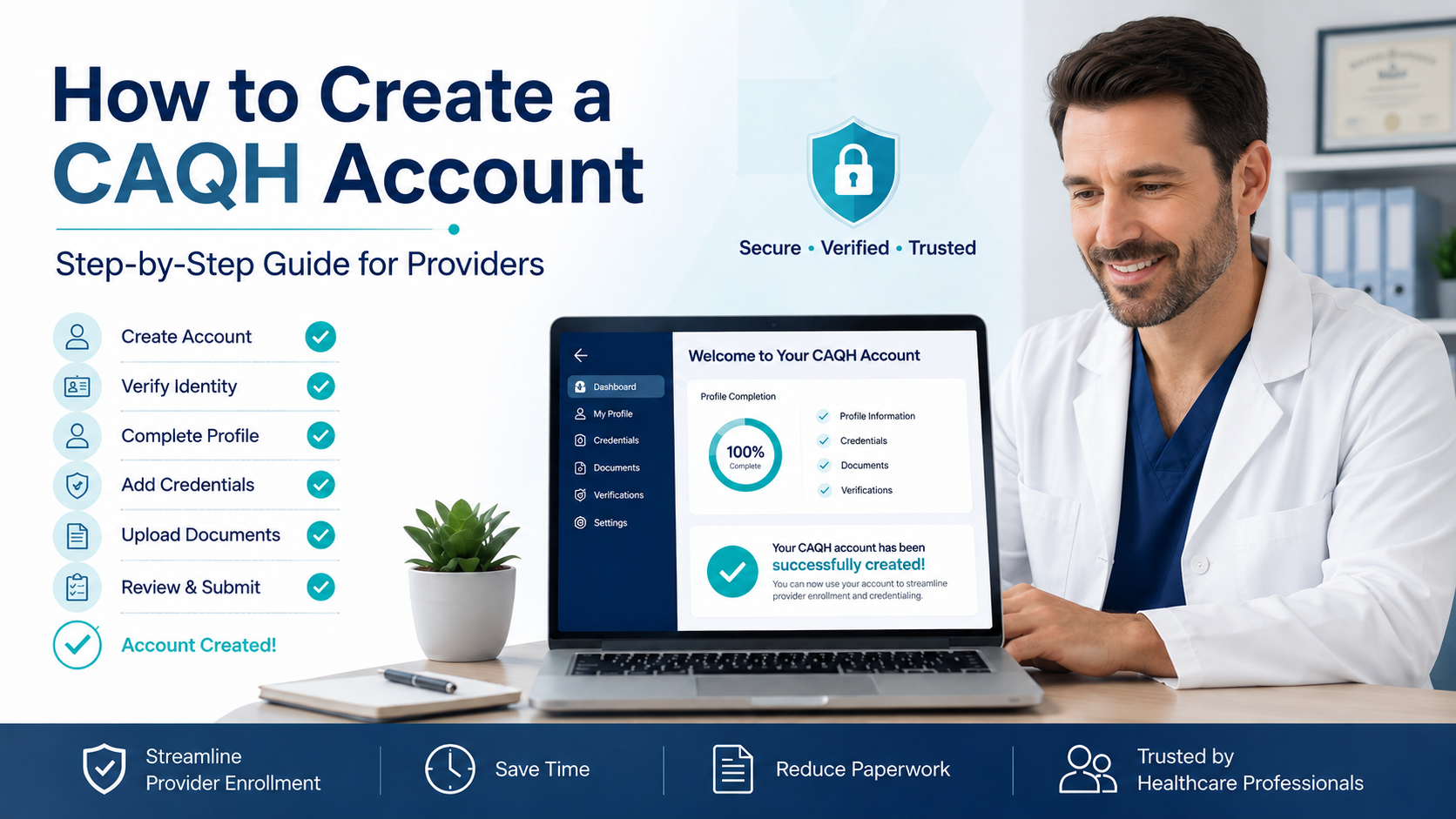
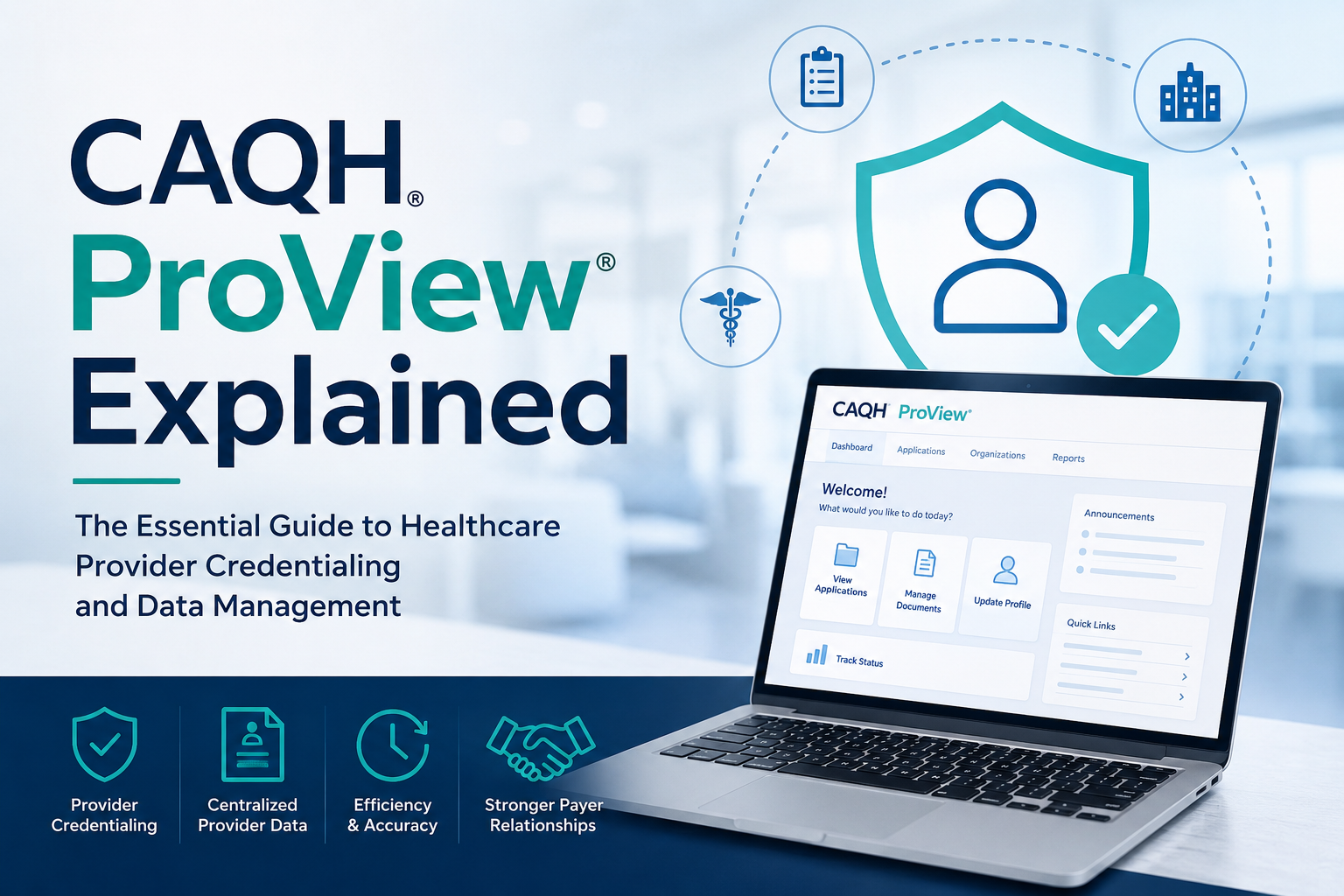
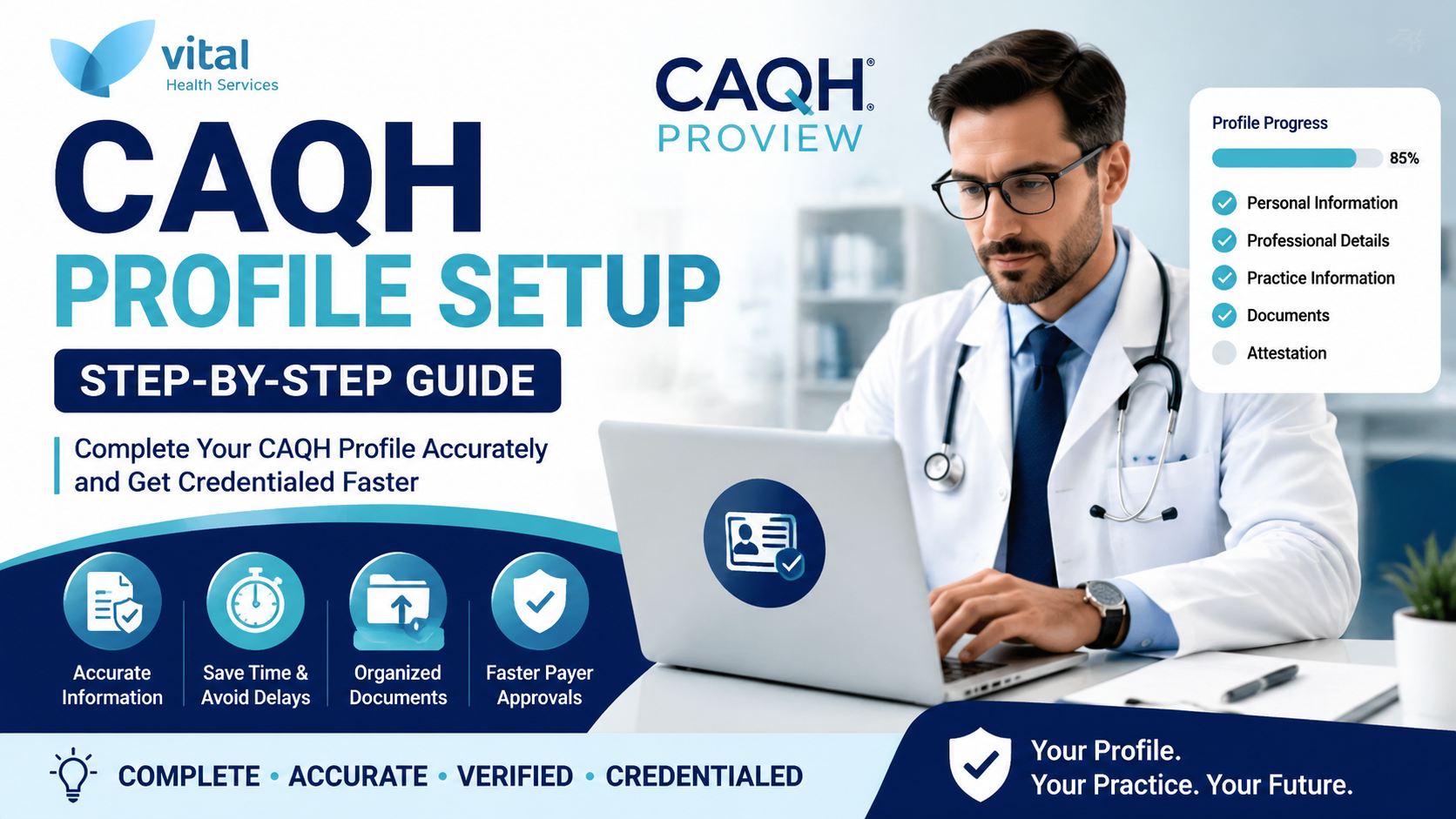
For commercial insurance credentialing, CAQH is one of the most important systems to review.
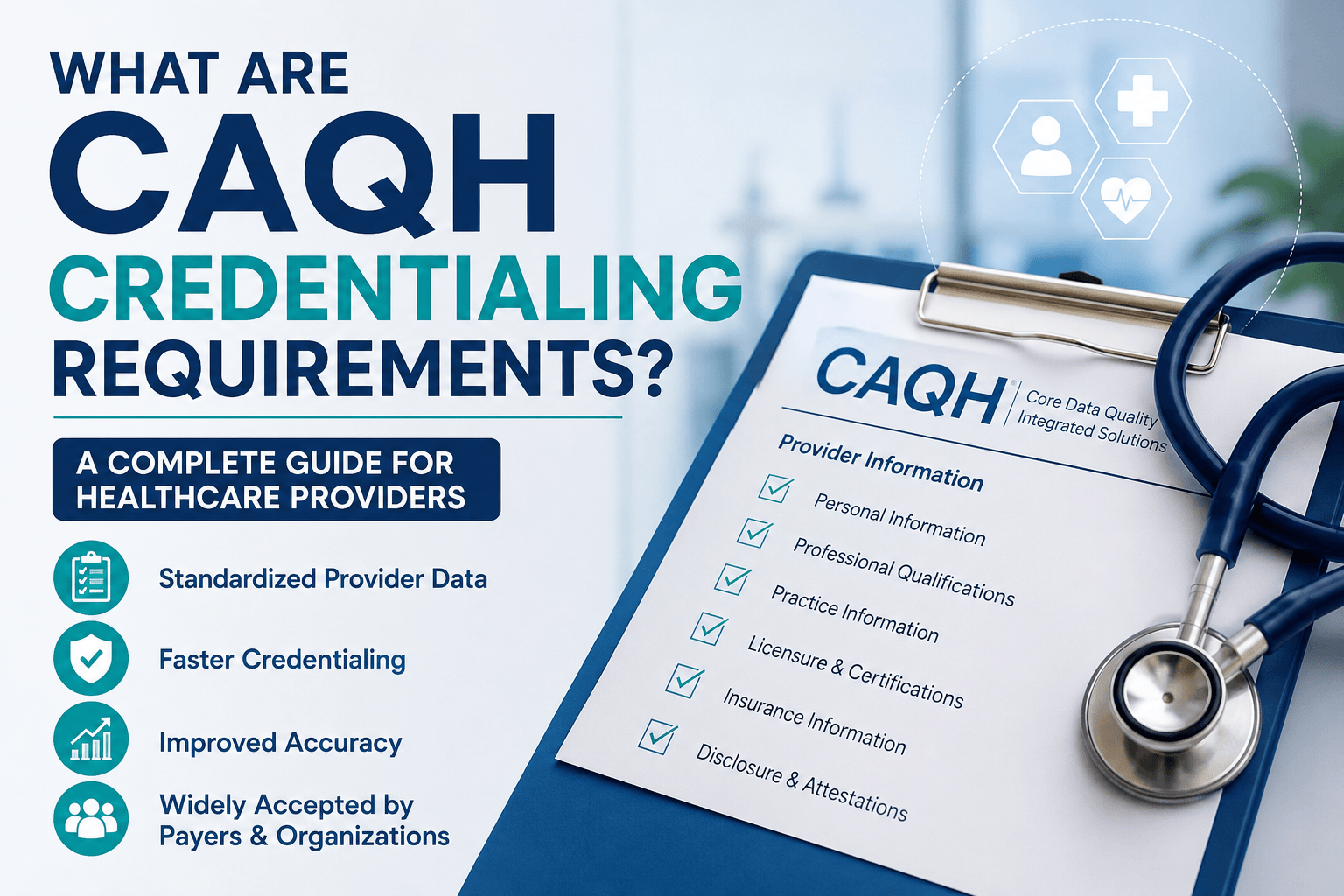
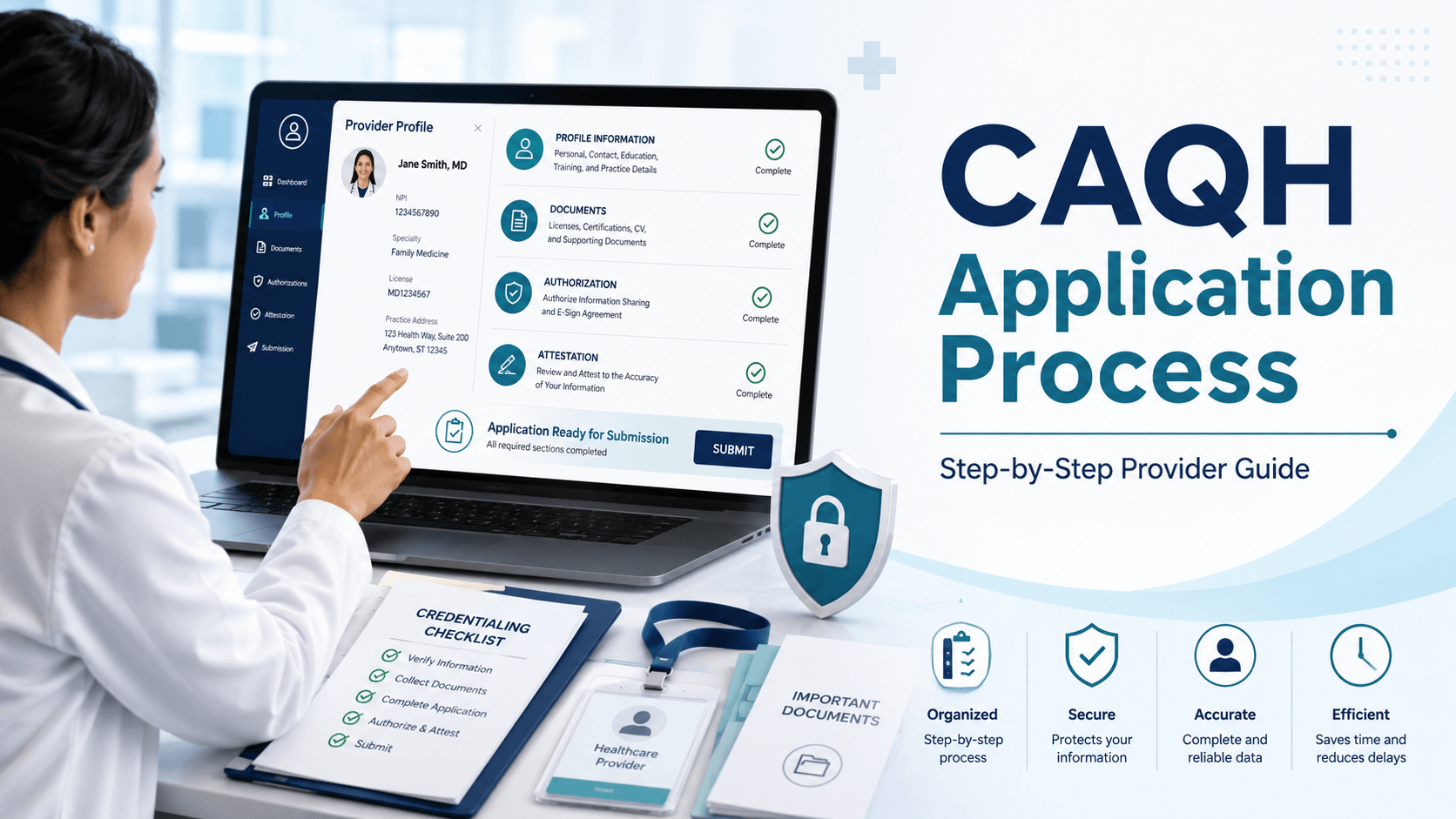
CAQH explains that its Provider Data Portal allows providers to maintain professional and practice information and share it with participating health plans for credentialing, directory updates, enrollment, and related functions. CAQH
A physician’s CAQH profile should include accurate information about:
- education,
- training,
- work history,
- practice locations,
- malpractice coverage,
- licenses,
- hospital affiliations,
- professional contacts, and
- other required information.
Before submitting payer applications, check:
☐ CAQH profile is complete
☐ Required documents are uploaded
☐ Malpractice insurance is current
☐ Work history is complete
☐ Practice locations are correct
☐ License information is current
☐ Health plans have the appropriate authorization
☐ Profile has been reviewed and attested
CAQH also recommends that provider data be kept updated to reduce repeated information requests from health plans. CAQH
Official resource:
Step 5: Make Sure All Provider Information Matches
This step is often overlooked.
Compare information across:
- CAQH,
- NPPES,
- state license,
- W-9,
- malpractice certificate,
- payer applications,
- Medicare enrollment records,
- practice records, and
- group information.
Check for inconsistencies in:
- provider name,
- practice legal name,
- address,
- phone number,
- TIN,
- NPI,
- taxonomy,
- license number,
- group affiliation, and
- billing information.
For example:
CAQH: 250 Main Street, Suite 200
Payer application: 250 Main Street, Suite 220
Even small inconsistencies can generate questions and additional verification.
Step 6: Decide Which Insurance Plans the Physician Needs
Do not automatically credential every new physician with every payer.
Create a payer list based on:
- current patient population,
- geographic market,
- existing practice contracts,
- Medicare,
- Medicaid,
- major commercial plans, and
- specialty-specific payer needs.
A payer matrix can help:
| Payer | Credentialing Needed | Enrollment Needed | Submitted | Status | Effective Date |
|---|---|---|---|---|---|
| Medicare | Yes | Yes | Pending | MAC Review | — |
| Payer A | Yes | Yes | Submitted | Verification | — |
| Payer B | Yes | Yes | Approved | Enrollment | Pending |
This prevents applications from being forgotten.
Step 7: Submit Commercial Payer Credentialing Applications
Each health plan may have its own process.
Some plans rely heavily on CAQH, while others request additional:
- forms,
- attestations,
- contracts,
- tax documents,
- ownership information,
- provider rosters,
- W-9s,
- EFT forms, or
- demographic information.
When submitting an application, always record:
- payer,
- submission date,
- confirmation number,
- reference number,
- representative,
- documents submitted, and
- expected next step.
Do not rely on email alone.
Use a central credentialing tracker.
Step 8: Complete Medicare Enrollment if Applicable
If the new physician will treat Medicare patients and bill Medicare, Medicare enrollment must be addressed separately.
CMS states that physicians and non-physician practitioners can enroll in Medicare through PECOS, the Provider Enrollment, Chain, and Ownership System. CS
CMS identifies CMS-855I as the enrollment application for physicians and non-physician practitioners. CMS
PECOS can be used to:
- enroll in Medicare,
- review existing enrollment information,
- upload supporting documents,
- sign electronically,
- update enrollment records, and
- manage revalidation. CMS
CMS also notes that PECOS applications generally process faster than paper applications. CMS
Official resources:
CMS — Medicare Enrollment Applications
Step 9: Work With the Medicare Administrative Contractor
CMS explains that the applicable Medicare Administrative Contractor, or MAC, processes the Medicare enrollment application and may request additional information. CMS
The MAC may request:
- clarification,
- additional forms,
- ownership information,
- supporting documentation,
- address verification, or
- other enrollment information.
CMS recommends contacting the MAC when questions arise about enrollment status. CMS
Good follow-up question
Instead of asking:
“Is the application approved?”
ask:
“What stage is the enrollment application currently in, and is anything outstanding?”
That gives you a more useful answer.
Step 10: Track Primary Source Verification
Credentialing organizations may need to verify professional information from authoritative sources.
This may include:
- medical school,
- residency,
- fellowship,
- board certification,
- license,
- DEA registration,
- hospital affiliations, and
- professional history.
CAQH describes accurate provider data and validation as central to credentialing efficiency. CAQH
If verification becomes delayed, confirm that:
- names are correct,
- dates are accurate,
- institution names are correct,
- provider history is complete, and
- supporting information is available.
Step 11: Respond Quickly to Payer Requests
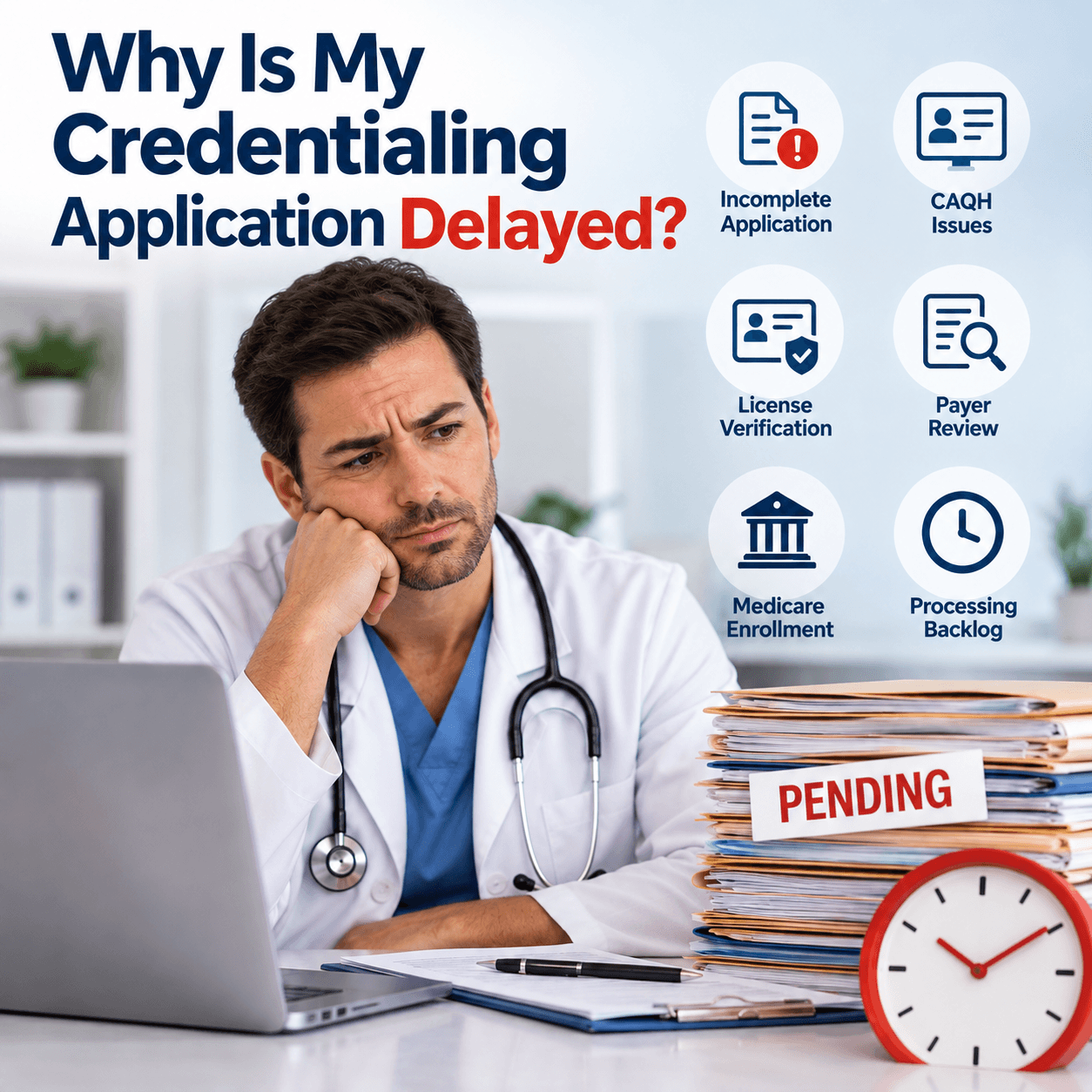
Many credentialing applications are delayed not because the payer rejected them, but because the payer requested additional information and the request was not answered promptly.
Requests may include:
- new malpractice certificate,
- updated license,
- W-9,
- signature,
- work history explanation,
- ownership details,
- proof of practice location,
- hospital affiliation information, or
- CAQH update.
Create a single credentialing inbox or assign one staff member to monitor requests.
Check:
- payer portal,
- credentialing email,
- physician email,
- CAQH messages,
- voicemail, and
- mailed correspondence.
Step 12: Follow Up on Every Application
Do not submit applications and wait indefinitely.
Create a follow-up schedule.
Track:
- application submitted,
- received by payer,
- completeness confirmed,
- verification started,
- committee review,
- credentialing approved,
- contract completed,
- enrollment completed, and
- effective date confirmed.
A simple tracker:
| Payer | Submitted | Current Stage | Outstanding Item | Last Follow-Up | Next Follow-Up |
|---|---|---|---|---|---|
| Payer A | Mar 1 | Verification | None | Mar 15 | Mar 22 |
| Payer B | Mar 3 | Incomplete | Malpractice cert. | Mar 17 | After upload |
| Medicare | Mar 5 | MAC Review | None | Mar 18 | Mar 25 |
The most important question is:
“What must happen before this application can move to the next stage?”
Step 13: Confirm the Effective Date
This is one of the most important steps.
Do not assume:
Credentialing approved = ready to bill
You still need to confirm:
- payer participation,
- enrollment status,
- contract status where applicable,
- effective date,
- group affiliation,
- billing setup, and
- payer-specific billing instructions.
Before the billing department submits claims, obtain confirmation of the provider’s effective date.
Step 14: Notify the Billing Team
Once enrollment is confirmed, credentialing and billing teams should communicate immediately.
Provide billing staff with:
- payer,
- provider name,
- NPI,
- group information,
- effective date,
- participating status,
- reassignment details where applicable, and
- any payer-specific billing requirements.
This prevents claims from being submitted before the provider is properly loaded into the payer system.
New Physician Credentialing Checklist
Use this checklist for every new physician.
Provider Identity
☐ Legal name
☐ NPI
☐ CAQH ID
☐ Taxonomy
☐ Contact information
Professional Credentials
☐ State license
☐ DEA registration where applicable
☐ Board certification
☐ Medical school
☐ Residency
☐ Fellowship
☐ Work history
Practice Information
☐ Practice address
☐ Billing address
☐ Group NPI
☐ TIN
☐ W-9
☐ Practice ownership information
Supporting Documents
☐ Malpractice insurance
☐ License copies
☐ Board certification
☐ CV
☐ Professional references where required
☐ Hospital affiliation information
CAQH
☐ Profile complete
☐ Documents current
☐ Practice location correct
☐ Attestation complete
☐ Payers authorized where appropriate
Medicare
☐ PECOS reviewed
☐ CMS-855I completed if required
☐ Reassignment/group affiliation handled where applicable
☐ MAC requests monitored
Payers
☐ Applications submitted
☐ Confirmation numbers recorded
☐ Follow-up scheduled
☐ Credentialing approval received
☐ Enrollment completed
☐ Effective date confirmed
Credentialing vs Enrollment vs Contracting
These terms are often used interchangeably, but they are different.
Credentialing
Verifies the physician’s qualifications and professional history.
Enrollment
Adds the physician to the payer’s systems so claims and reimbursement can be handled according to payer requirements.
Contracting
Establishes the contractual relationship and terms between the payer and provider or group.
A physician may complete credentialing while enrollment or contracting is still pending.
That is why practices should track each stage separately.
Common New Physician Credentialing Mistakes
The most common avoidable mistakes include:
- Starting too late
- Submitting incomplete applications
- Using outdated CAQH information
- Allowing records to conflict across systems
- Forgetting Medicare enrollment
- Missing payer requests
- Not tracking application status
- Assuming approval means billing can start
- Failing to confirm the effective date
- Poor communication between credentialing and billing teams
How to Reduce Credentialing Delays
A practice can reduce avoidable delays by creating one standardized onboarding workflow.
Use:
Provider intake form
↓
Document checklist
↓
CAQH review
↓
NPI/license verification
↓
Payer matrix
↓
Application submission
↓
Follow-up tracker
↓
Approval
↓
Effective-date verification
↓
Billing notification
This is much safer than managing credentialing through scattered emails and spreadsheets with no ownership.
How Far in Advance Should You Start Credentialing a New Physician?
There is no single universal timeline because each payer and organization has its own review process.
The practical rule is:
Start as early as possible once the physician’s information and employment arrangement are sufficiently established.
Do not wait until two weeks before the provider’s intended start date.
Credentialing, verification, payer review, enrollment, and contract loading can all add time.
Can a Physician See Patients Before Credentialing Is Complete?
Potentially, but billing and participation rules vary by payer and situation.
Do not assume that claims can automatically be submitted later or retroactively reimbursed.
Before scheduling patients under a pending provider, confirm with the applicable payer:
- network status,
- enrollment status,
- effective-date policy,
- billing requirements, and
- whether retroactive billing is permitted.
Document the payer’s response.
When Should a Practice Outsource Physician Credentialing?
Credentialing support may be useful when the practice is:
- hiring multiple physicians,
- opening a new clinic,
- expanding into another state,
- enrolling with multiple payers,
- adding new practice locations,
- managing CAQH for many providers,
- handling Medicare enrollment,
- dealing with credentialing delays, or
- lacking dedicated credentialing staff.
The goal of outsourced credentialing should not simply be filling out forms.
A stronger service should manage:
- document collection,
- CAQH profiles,
- payer applications,
- Medicare enrollment,
- status follow-up,
- outstanding requirements,
- effective-date tracking, and
- communication with billing staff.
Need Help Credentialing a New Physician?
Adding a new physician should increase your practice’s capacity — not create months of administrative confusion.
Vital Health Services can assist medical practices with:
- physician credentialing,
- payer enrollment,
- CAQH profile management,
- Medicare and PECOS enrollment support,
- credentialing follow-up,
- provider onboarding,
- demographic updates,
- revalidation support, and
- credentialing status tracking.
Start Your New Physician Credentialing Process
If you are adding a physician to your practice, our team can help organize the provider file, submit enrollment applications, track payer responses, and follow the process through to the effective-date stage.
Website: Vital Health Services
Frequently Asked Questions
What documents are needed to credential a new physician?
Common requirements include the physician’s NPI, state license, CAQH profile, education and training history, malpractice insurance, board certification information, work history, practice details, tax information, and payer-specific forms.
Requirements can vary by payer.
Does every new physician need CAQH?
Many commercial health plans use CAQH for credentialing and provider data, but requirements vary by payer.
CAQH states that its provider profile is used to share professional and practice information with participating health plans. CAQH
Does a new physician need a separate Medicare enrollment application?
For Medicare, physicians generally enroll through PECOS or the applicable CMS enrollment process. CMS identifies CMS-855I for physicians and non-physician practitioners. CMS
What is PECOS?
PECOS is CMS’s online Medicare enrollment management system.
It allows providers to enroll, review and update information, upload supporting documents, and manage enrollment-related activity. CMS
Is an NPI enough to bill insurance?
No.
An NPI identifies the provider, but payer credentialing and enrollment may still need to be completed.
When can the billing team start submitting claims?
The practice should first verify the payer’s enrollment status, participation status, and effective date.
Do not assume credentialing approval alone means billing can begin immediately.
Can credentialing be completed faster?
No credentialing company can guarantee a payer’s approval timeline.
However, practices can reduce avoidable delays by:
- submitting complete information,
- keeping CAQH accurate,
- responding quickly to payer requests,
- tracking applications,
- following up regularly, and
- confirming effective dates.
Trusted Official Resources
Readers can cross-check the process using these authoritative sources:
CMS — Medicare Provider Enrollment
Verify Medicare enrollment requirements
CMS — PECOS Enrollment Applications
Review PECOS enrollment guidance
CAQH — Provider Data Portal
Review CAQH provider information
These official resources help physicians and practice managers independently verify important enrollment and credentialing requirements.
Final Takeaway
Credentialing a new physician works best when it is treated as a coordinated onboarding process:
Gather information → Verify data → Complete CAQH → Submit payer applications → Complete Medicare enrollment where applicable → Follow up → Confirm credentialing → Confirm enrollment → Confirm effective date → Notify billing
The most important step is not simply getting an application marked “approved.”
It is making sure the physician reaches the point where the practice knows:
who approved them, when participation begins, and when claims can correctly be submitted.