How Do You Create a CAQH Account?
To create a CAQH account, first check whether CAQH has already assigned you a Provider ID. New users can then either follow the link in a CAQH welcome email or use the official Provider Data Portal’s self-registration option.
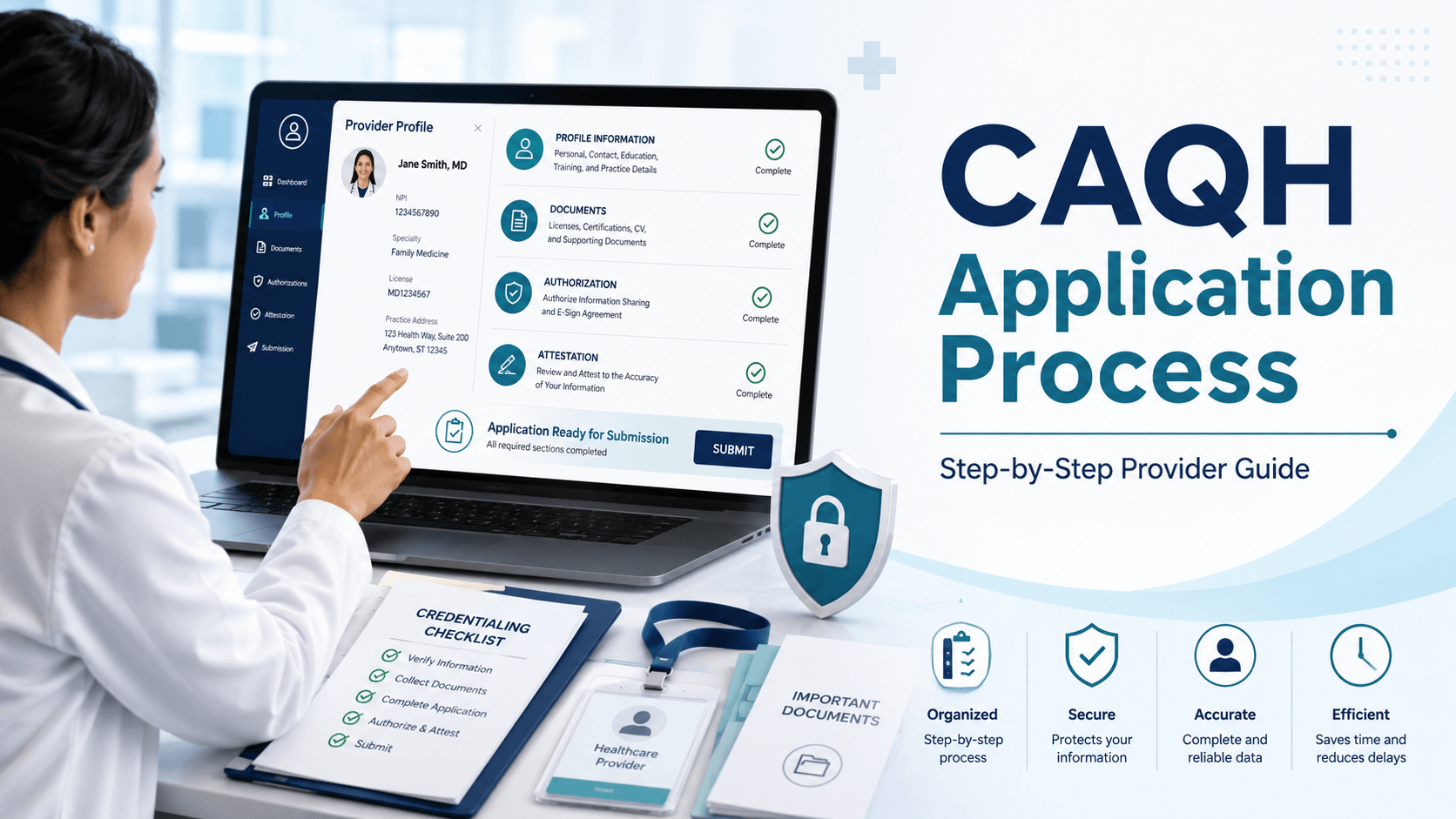
Account registration is only the first part of the process. After creating login credentials, you must complete your professional profile, correct required errors, authorize relevant organizations, attest to the information, and upload any required supporting documents.
CAQH is now part of the DataSpring brand, but providers will still see names such as CAQH Provider Data Portal and CAQH ProView in credentialing instructions and portal pages. The current portal remains the system used to enter and share provider information with authorized healthcare organizations.
Research note: This guide reflects the CAQH Provider Data Portal and Provider User Guide version 46.0, updated June 15, 2026.
What Is a CAQH Account and Who Needs One?
A CAQH account gives an individual healthcare practitioner access to the CAQH Provider Data Portal, where professional and practice information can be entered, maintained, attested, and shared with authorized organizations.
Health plans, hospitals, healthcare systems, and credentialing organizations may use the information for credentialing, claims administration, provider directories, network management, and other administrative functions. DataSpring reports that 2.5 million clinicians have confirmed their information within the preceding 120 days and that more than 1,000 health plans and healthcare organizations participate in its provider-data solutions.
CAQH supports many practitioner types, including:
- Physicians and osteopathic physicians
- Nurse practitioners and physician assistants
- Clinical psychologists and social workers
- Professional counselors and marriage and family therapists
- Physical, occupational, and speech therapists
- Chiropractors and podiatrists
- Optometrists and audiologists
- Midwives and certified registered nurse anesthetists
- Other licensed or certified healthcare practitioners
Using CAQH is voluntary at the platform level, but a health plan or credentialing organization may require a completed CAQH profile before it processes a provider’s application.
What Is the Difference Between a CAQH Account, a CAQH Profile, and Payer Credentialing?
A CAQH account provides access to the portal, while a CAQH profile contains the provider’s professional data. Payer credentialing is a separate evaluation performed by an insurance company or another healthcare organization.
| Term | What it means | What it accomplishes |
|---|---|---|
| CAQH account | The provider’s login, password, security settings, and Provider ID | Allows access to the portal |
| CAQH profile | The provider’s personal, professional, practice, insurance, and disclosure information | Creates a centralized provider-data record |
| CAQH attestation | The provider’s confirmation that the submitted information is accurate and complete | Makes attested data available to authorized organizations |
| Payer credentialing | The payer’s review and verification of the provider’s qualifications | Determines whether the provider meets the payer’s credentialing standards |
| Payer contracting or enrollment | The process of entering a network agreement and establishing billing participation | May allow the provider to deliver and bill for in-network services |
Creating a CAQH account does not automatically enroll a provider with an insurance network. CAQH specifically advises providers to contact individual health plans directly when they want to participate in additional networks.
What Should You Prepare Before Creating a CAQH Account?
Prepare your personal identifiers, professional records, practice information, and supporting documents before beginning. Having accurate information available can reduce errors and shorten the time required to complete the initial profile.
The official portal recommends gathering materials such as:
- Individual NPI, when applicable
- Social Security number
- State professional license information
- DEA certificate, when applicable
- Controlled-substance registration, when applicable
- IRS Form W-9
- Medicare and Medicaid identification numbers
- Professional liability or malpractice insurance details
- Education and postgraduate training records
- Board-certification information
- Employment history
- Practice-location addresses and contact information
- Hospital-affiliation information
- Professional references
The initial CAQH profile may take up to two hours, with additional time needed for providers who have multiple locations, extensive postgraduate training, or a long employment history.

How Can You Check Whether You Already Have a CAQH Provider ID?
Use the Check for CAQH ID option on the official sign-in page before creating a new account. A participating health plan or healthcare organization may already have added the provider to the CAQH system.
Also search the provider’s email for:
- A CAQH welcome email
- A registration invitation from a health plan
- A message containing a CAQH Provider ID
- Previous CAQH attestation reminders
- Password-reset or username-recovery messages
Creating another account without checking can lead to duplicate-account problems. When an invitation already exists, use the link in the registration email rather than beginning a new self-registration application. The current portal gives first-time users separate options to check for an existing ID, use a welcome-email link, or self-register.
Do You Need an NPI Before Registering With CAQH?
The CAQH self-registration form allows a practitioner to indicate that they do not yet have an individual NPI. However, an individual NPI is commonly needed for payer enrollment, claims-related administration, and many credentialing workflows.
An individual healthcare practitioner generally uses a Type 1 NPI. A practice, corporation, or other healthcare organization may also use a Type 2 NPI, but a Type 2 organization identifier should not be substituted for the practitioner’s individual NPI.
Providers who need an NPI can apply through the Centers for Medicare & Medicaid Services’ National Plan and Provider Enumeration System. CMS identifies online NPPES registration as the fastest and most efficient application method.
How Do You Create a CAQH Account Step by Step?
You create a CAQH account by checking for an existing Provider ID, completing the applicable registration route, verifying personal identifiers, and establishing login credentials.
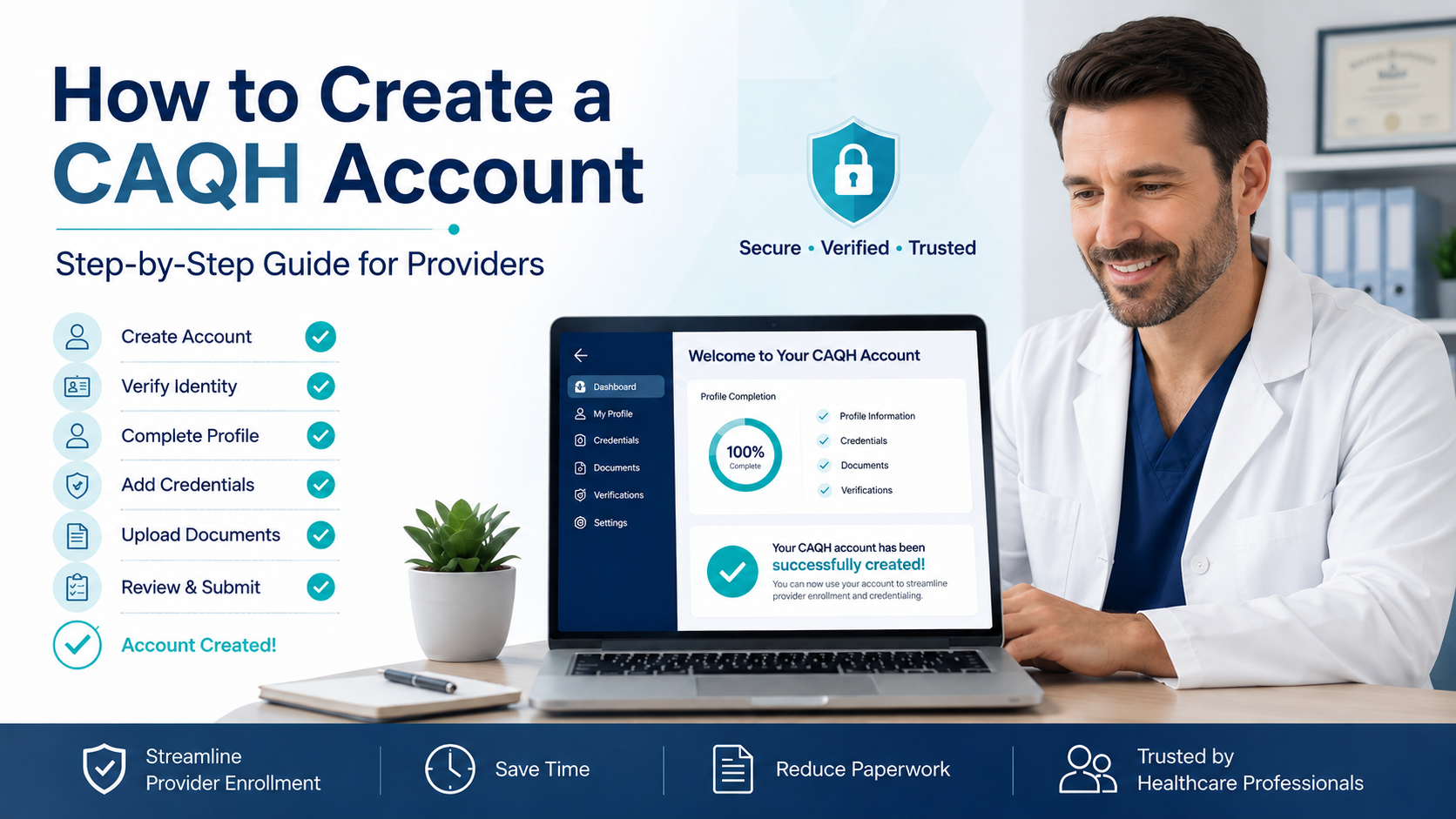
The registration process can be summarized in seven steps:
- Check whether a CAQH Provider ID already exists.
- Follow the welcome-email link or select self-registration.
- Enter identifying and professional information.
- Confirm the CAQH Provider ID.
- Create a username and password.
- Set security questions and accept the terms.
- Sign in and begin completing the provider profile.
How Do You Register After Receiving a CAQH Welcome Email?
Open the welcome email and use the registration link provided in that message. The link connects the registration to the CAQH Provider ID already assigned to the provider.
Follow these steps:
- Confirm that the email refers to the correct provider.
- Open the registration link.
- Enter the supplied CAQH Provider ID.
- Provide the requested personal identification information.
- Continue to the account-credential page.
- Create the username, password, and security answers.
- Save the CAQH Provider ID in a secure location.
The portal instructs invited providers to use the hyperlink in the welcome email instead of the general self-registration form.
How Do You Self-Register Without a CAQH Invitation?
Open the official CAQH Provider Data Portal, select Register, review the Getting Started information, and continue to the self-registration form.
The current self-registration form requests:
- NUCC grouping
- Provider type
- First, middle, and last name
- Address
- Primary practice state
- Date of birth
- Primary email address
- Social Security number
- Individual NPI or confirmation that the provider does not have one
- DEA number or confirmation that the provider does not have one
- Professional-license state and number, or confirmation that the provider does not have a professional license
The NUCC grouping connects the provider to the appropriate healthcare-provider taxonomy category. Providers who are unsure of their grouping can use the National Uniform Claim Committee’s taxonomy lookup resource referenced in the portal.
Enter all details exactly as they appear on official records. Differences in legal names, dates, NPI records, state licenses, or addresses may prevent the system from matching an existing provider record.
How Do You Activate Your CAQH Provider ID?
After CAQH matches or creates the provider record, use the assigned Provider ID and registration link to continue account setup.
The CAQH Provider ID is different from an NPI:
- The NPI is a federal healthcare-provider identifier issued through NPPES.
- The CAQH Provider ID identifies the provider’s record inside the CAQH Provider Data Portal.
- The username is used with the password to sign in.
Record all three separately. Do not treat the CAQH Provider ID as a payer identification number or billing identifier.
How Do You Create Your CAQH Username and Password?
Create a unique username of at least eight characters using letters and numbers without spaces or special characters. The password must also contain at least eight characters and cannot be identical to the username.
The portal then asks the provider to:
- Select three security questions.
- Enter a distinct answer for each question.
- Review and accept the terms and conditions.
- Select Create Account.
- Confirm that account registration was successful.
These requirements are stated directly on the current CAQH registration page.
Use an email address that the provider or responsible credentialing team will continue to monitor. Attestation reminders, document notices, and account-recovery messages are sent to the primary email associated with the profile.
How Do You Complete Your CAQH Provider Profile?
Complete every applicable profile section, correct all required errors, authorize the appropriate organizations, attest to the information, and submit the supporting documents shown in the portal.
A newly created login does not constitute a completed application. The official workflow includes registration, completion of application questions, correction of required fields, review, authorization, attestation, and document upload.
Which Profile Sections Must You Complete?
Complete each section that applies to the provider’s profession, locations, licenses, training, and practice arrangements.
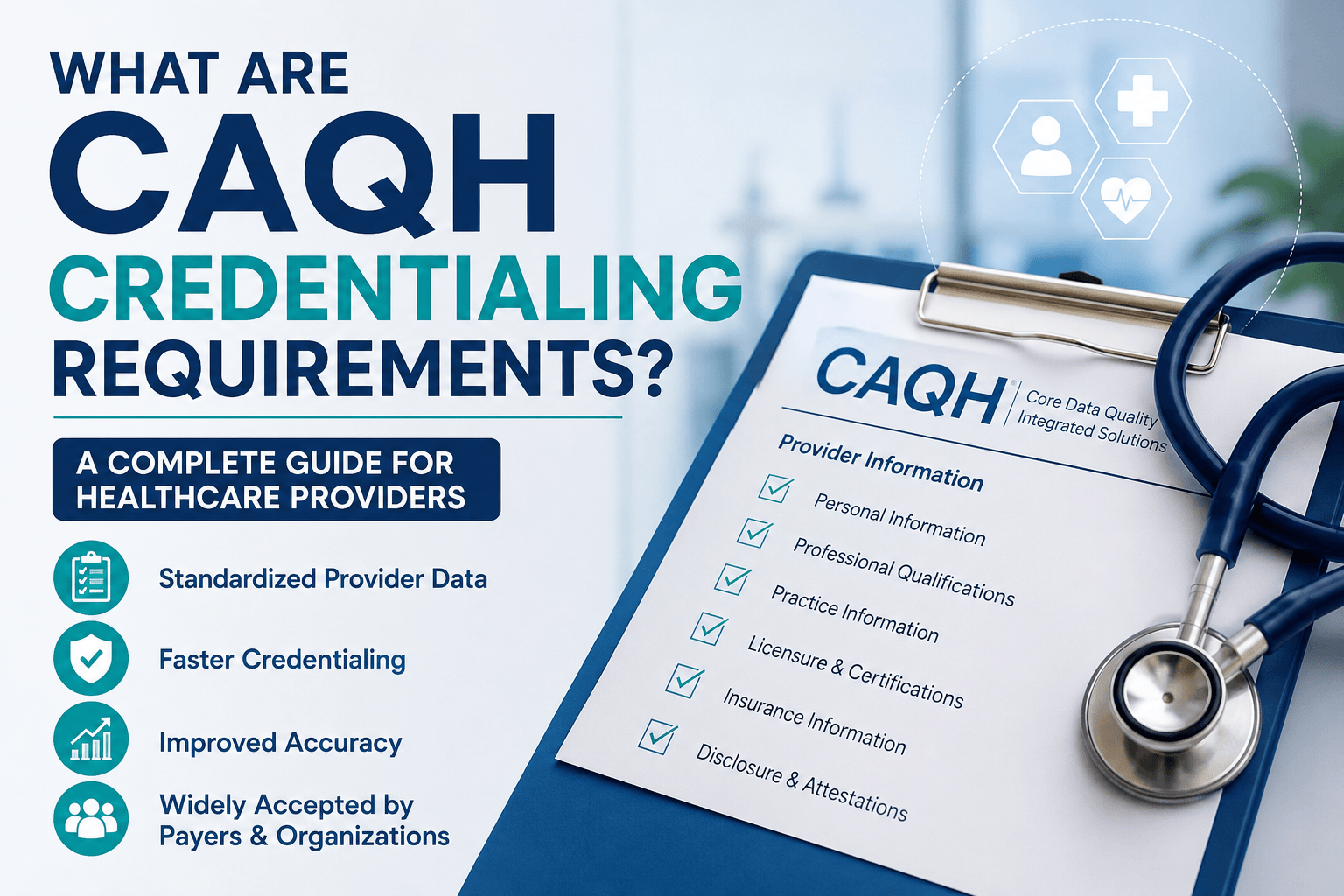
The principal sections include:
- Personal information
- Personal identification numbers
- Professional licenses and registrations
- Education and professional training
- Specialties and certifications
- Practice locations
- Hospital affiliations or admitting arrangements
- Credentialing contacts
- Professional liability insurance
- Employment history and employment gaps
- Professional references
- Disclosure and malpractice-history questions
Practice-location information requires particular care. Verify the practice name, physical address, phone number, billing information, office hours, accessibility, telehealth services, organization NPI, office contacts, and whether the provider currently sees patients at that location.
Employment history should form a consistent timeline. Explain reportable gaps accurately instead of changing dates to conceal them.
Which Supporting Documents Should You Upload?
Upload only the documents requested in the portal’s Documents section. CAQH generates document requirements according to the provider’s type, practice state, and profile responses.
Commonly requested documents may include:
- State professional license
- DEA certificate
- Controlled-substance certificate
- Professional liability insurance face sheet or certificate
- IRS Form W-9
- Board-certification documentation
- State-specific application or release form
- Authorization, Attestation, and Release form
- Federal Tort Claims Act documentation, when applicable
CAQH may require different supporting documents for different providers. A document should be uploaded under the correct document type, and the information in the document should match the corresponding profile record.
A profile can remain incomplete when a required document is missing, expired, uploaded under the wrong category, illegible, or rejected.
How Do You Authorize Organizations to View Your Information?
Open the authorization area and choose which participating organizations may access the provider’s data. Providers may use global authorization or review organization requests individually, depending on their preferred privacy and administrative workflow.
The current guide describes two principal options:
- Select global authorization to release data to organizations that request access.
- Select individual authorization to review and approve organizations separately.
Providers can change authorization settings later. However, authorizing a health plan to view CAQH information does not apply for network participation or guarantee a contract.
Before attesting, confirm that the payer or credentialing organization handling the application appears in the authorized-organizations list.
How Do You Attest to Your CAQH Profile?
Select Review and Attest, correct every required error, review the profile summary and directory information, and then select Attest.
Attestation is the provider’s confirmation that the submitted information is truthful, accurate, and complete. The current CAQH workflow requires providers to resolve blocking errors before the Attest option becomes available.
After attesting:
- Review the Documents page for missing or expired items.
- Upload or replace any required documents.
- Monitor the account email for approval or rejection notices.
- Confirm that the profile reaches complete status.
The current guide states that confirmation is generally sent within approximately 48 hours after all required documents have been received and approved.
How Long Does It Take to Create and Complete a CAQH Account?
Creating the login may take only a short time, but completing the entire initial CAQH profile can take up to two hours or longer.
The total time depends on:
- Whether a CAQH Provider ID already exists
- The number of professional licenses
- The number of practice locations
- The length of the provider’s work history
- The amount of postgraduate training
- The number of hospital affiliations
- Whether documents are ready to upload
- Whether profile information matches external records
- Whether any supporting documents are rejected
Gathering records before registration is usually faster than stopping repeatedly to locate missing dates, policy numbers, addresses, or certificates. The portal itself recommends preparing materials before beginning.
How Much Does a CAQH Account Cost?
The CAQH Provider Data Portal is free for healthcare practitioners to use. Providers can register, maintain their profiles, upload documents, attest, and share information with authorized organizations without paying CAQH a registration fee.
A practice may still choose to pay an internal employee or outside credentialing specialist to manage data collection, profile completion, payer follow-up, and ongoing maintenance. Those are separate administrative service costs, not CAQH portal fees.
Which CAQH Account Mistakes Should You Avoid?
The most common mistakes involve duplicate registration, inconsistent information, missing documents, incorrect authorization, and expired attestation.
Avoid these problems:
- Creating a duplicate account: Check for an existing CAQH Provider ID before self-registering.
- Using a Type 2 NPI as the provider’s individual NPI: Enter the practitioner’s Type 1 NPI where individual identification is requested.
- Entering a nickname instead of the legal name: Match the name used on the NPI, license, education, insurance, and identification records.
- Using an unmonitored email address: The primary email receives account-recovery, document, and re-attestation notices.
- Listing outdated practice locations: Archive closed locations and verify active addresses, phone numbers, office hours, and affiliations.
- Leaving unexplained employment gaps: Review the full employment timeline before attesting.
- Uploading documents under the wrong category: A valid document can still be rejected when uploaded to an unrelated document slot.
- Attesting before completing a final review: Incorrect information becomes available to authorized organizations after attestation.
- Assuming attestation means the application is complete: Required documents must also be approved.
- Assuming CAQH automatically enrolls the provider with payers: Separate payer applications, credentialing reviews, and contracts may still be required.
What Should You Do After Your CAQH Profile Is Complete?
Maintain the profile continuously and update it whenever professional or practice information changes. Do not wait for the next credentialing application to correct an outdated license, insurance policy, location, phone number, or affiliation.
Providers generally must re-attest every 120 days. Illinois practitioners follow a 180-day cycle under the current CAQH guide. DataSpring sends reminder emails before expiration, and a profile can move to expired status when re-attestation is not completed on time.
Review the profile whenever any of the following changes:
- State license renewal
- DEA or controlled-substance registration
- Professional liability policy
- Practice location
- Billing or credentialing contact
- Hospital privileges
- Employment
- Board certification
- Phone number or email address
- Provider availability or office hours
- Health-plan participation
After making a change, re-attest when required so authorized organizations can receive the updated information.
What Is the Key Takeaway?
Creating a CAQH account is only the starting point. A usable CAQH record requires a completed profile, accurate supporting documents, organization authorization, successful attestation, and ongoing re-attestation.
For the smoothest process:
- Check for an existing Provider ID first.
- Gather professional records before registering.
- Use the invitation link when one has been provided.
- Enter information exactly as it appears on official records.
- Complete every applicable profile section.
- Authorize the correct healthcare organizations.
- Attest and resolve missing-document notices.
- Update the profile whenever information changes.
What Questions Do Providers Commonly Ask About CAQH Accounts?
Can You Create a CAQH Account Without an Invitation?
Yes. A first-time provider can use the official CAQH Provider Data Portal’s self-registration option even without a welcome email.
Is a CAQH Account the Same as Credentialing?
No. CAQH stores and shares provider information, while each payer or healthcare organization conducts its own credentialing and participation process.
Can You Register Without an NPI?
The self-registration form allows providers to indicate that they do not have an individual NPI. However, many payer-enrollment and credentialing processes require one.
What Is a CAQH Provider ID?
A CAQH Provider ID is the unique number assigned to a provider’s record inside the CAQH Provider Data Portal. It is not the same as an NPI or payer ID.
Can an Office Manager Complete a Provider’s CAQH Profile?
A practice administrator can assist through the appropriate Practice Manager workflow, but the provider remains responsible for verifying the submitted information and completing required attestations. CAQH’s terms state that providers are responsible for checking and correcting submitted data.
How Often Must You Re-Attest Your CAQH Profile?
Most practitioners must re-attest every 120 days. The current CAQH guide specifies a 180-day cycle for Illinois practitioners.
Why Is Your CAQH Profile Still Incomplete After Attestation?
A profile may remain incomplete because required supporting documents are missing, expired, rejected, or still awaiting approval. Attestation alone does not resolve outstanding document requirements.
Do Dentists Register Through the Regular CAQH Portal?
Dentists are directed to sign in or register through the American Dental Association’s credentialing workflow rather than using the standard practitioner self-registration path.