How Does the CAQH Application Process Work?
The CAQH application process involves registering in the CAQH Provider Data Portal, completing your professional profile, authorizing healthcare organizations, attesting that the information is accurate and submitting the requested supporting documents.
Table of Contents
ToggleCAQH has rebranded as DataSpring, powered by CAQH, but providers do not need to create a new account. Existing portal credentials, profile information and saved portal links continue to work, although providers may see updated branding in communications and online resources.
Completing CAQH is an important credentialing step, but it does not by itself enroll a provider with an insurance company or guarantee network participation. A provider must still submit a participation request to each payer and complete the payer’s separate credentialing, contracting and enrollment requirements.
What Is the CAQH Provider Data Portal?
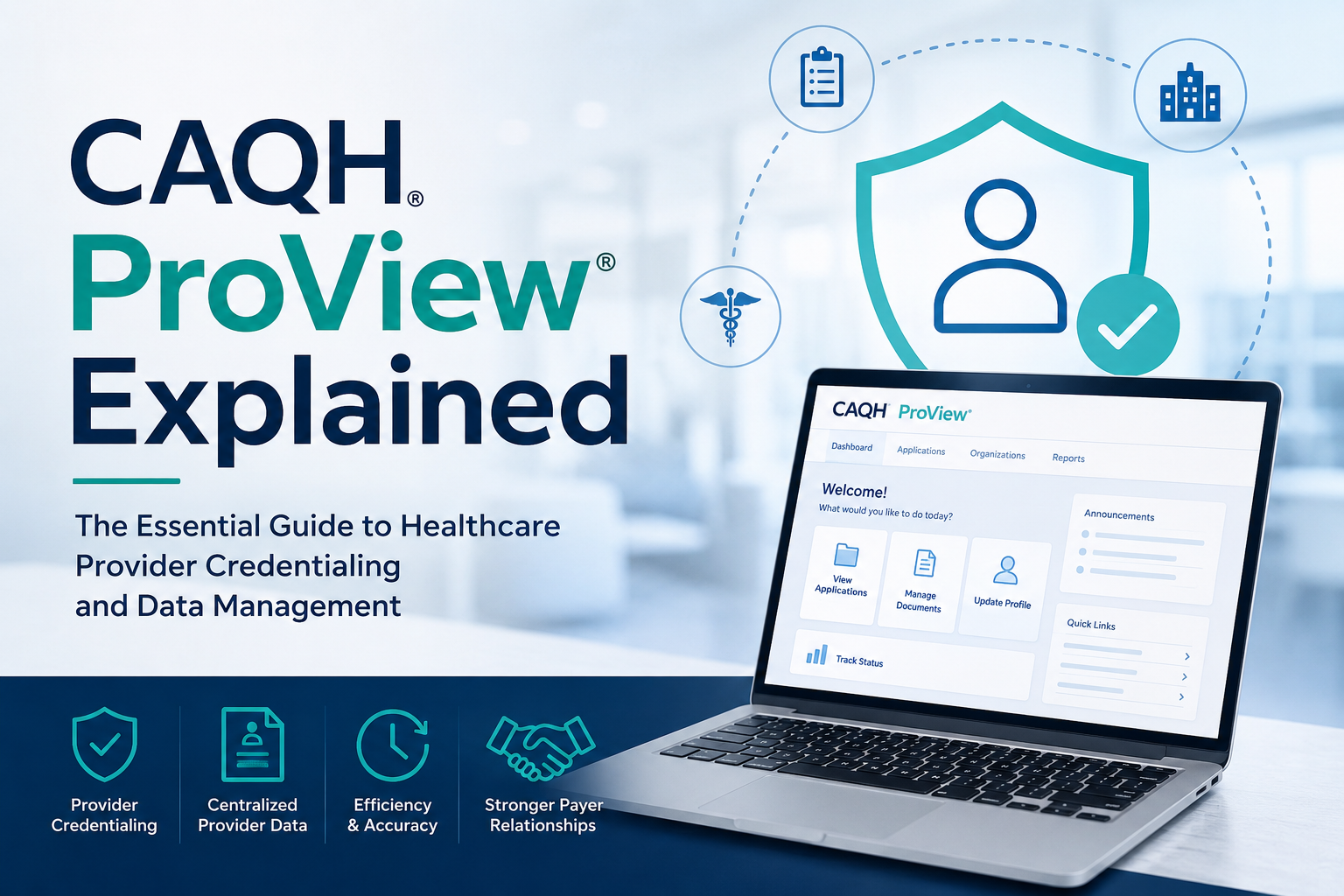
The CAQH Provider Data Portal is a central system where healthcare practitioners enter, maintain and share professional and practice information with authorized health plans, hospitals and other organizations.
Instead of completing a similar credentialing application for every participating payer, a provider can maintain one profile and permit multiple organizations to access it. The portal stores professional information and supporting records such as licenses, liability insurance and training documentation.
According to DataSpring’s 2026 information, more than 2.5 million providers have a complete profile, and approximately 1,000 health plans participate in the credentialing ecosystem. The credentialing application is designed for use in all 50 states, including states with additional application requirements.
The portal is:
- Free for healthcare providers and their office staff
- Used for credentialing and recredentialing
- Used for provider-directory maintenance
- Accessible by organizations authorized by the provider
- Designed to reduce repeated data entry
- Separate from each payer’s final participation decision
Who Needs to Complete a CAQH Application?
Healthcare practitioners should complete a CAQH application when a commercial health plan, hospital, credentialing organization or employer requests access to their profile.
CAQH participation is technically voluntary, but many health plans and healthcare organizations require or strongly prefer it for credentialing. DataSpring reports that more than 1,000 plans and organizations request CAQH profiles from network providers.
Professionals who commonly use the portal include:
- Physicians
- Nurse practitioners
- Physician assistants
- Clinical psychologists
- Licensed clinical social workers
- Professional counselors
- Marriage and family therapists
- Physical and occupational therapists
- Speech-language pathologists
- Dentists
- Chiropractors
- Other licensed practitioners
Facilities and provider organizations may have separate payer applications or organizational enrollment requirements. An individual CAQH profile should not be assumed to replace every group, facility or ancillary-provider application.
What Should You Prepare Before Starting a CAQH Application?
Prepare your professional, educational, employment, insurance and practice records before logging in. Having accurate records available can reduce errors and shorten the time required to complete the application.
The official provider guide says an initial profile may take up to two hours, although profiles involving several licenses, training programmes, employment records or practice locations may take longer.
Which Identification Numbers Should You Have Ready?
You should have your NPI, professional license number and other applicable identification numbers available before registration.
CAQH self-registration may request:
- Full legal name
- Date of birth
- Social Security number
- Home or contact address
- Email address
- Provider type
- NUCC grouping
- Primary practice state
- Type 1 NPI
- State license number
- DEA number, when applicable
The portal allows certain providers to indicate that they do not have an NPI, DEA registration or license, but most independently licensed practitioners seeking payer participation should obtain and verify their NPI first.
CMS defines the NPI as a unique 10-digit identifier used for covered healthcare providers in standard HIPAA administrative and financial transactions. NPIs are issued through NPPES.
Which Professional Records Should You Collect?
Collect records that allow you to enter complete dates, addresses, contact information, and expiration details.
Useful records include:
- Current professional licenses
- Previous licenses when requested
- DEA and controlled-substance registrations
- Board-certification information
- Professional school details
- Internship, residency and fellowship records
- Other postgraduate training
- Employment history
- Explanations for applicable work-history gaps
- Hospital affiliations and admitting arrangements
- Professional reference information
- Malpractice insurance policy details
- Credentialing-contact information
- Practice locations and office hours
Do not estimate dates when exact information can be verified. Differences between the application and the source organization may cause follow-up questions during payer credentialing.
Which Practice Details Should Match Across Your Records?
Your legal name, NPI information, practice addresses, TIN, and professional records should be internally consistent.
Review the following sources before data entry:
- NPPES record
- State license
- DEA certificate
- IRS W-9
- Malpractice insurance face sheet
- Group employment records
- Payer contracts
- Practice website
- Existing provider-directory listings
A CAQH profile, W-9 and payer participation request may serve different purposes, but conflicting legal names, tax identities, addresses or group affiliations can create avoidable questions.
How Do You Complete the CAQH Application Step by Step?
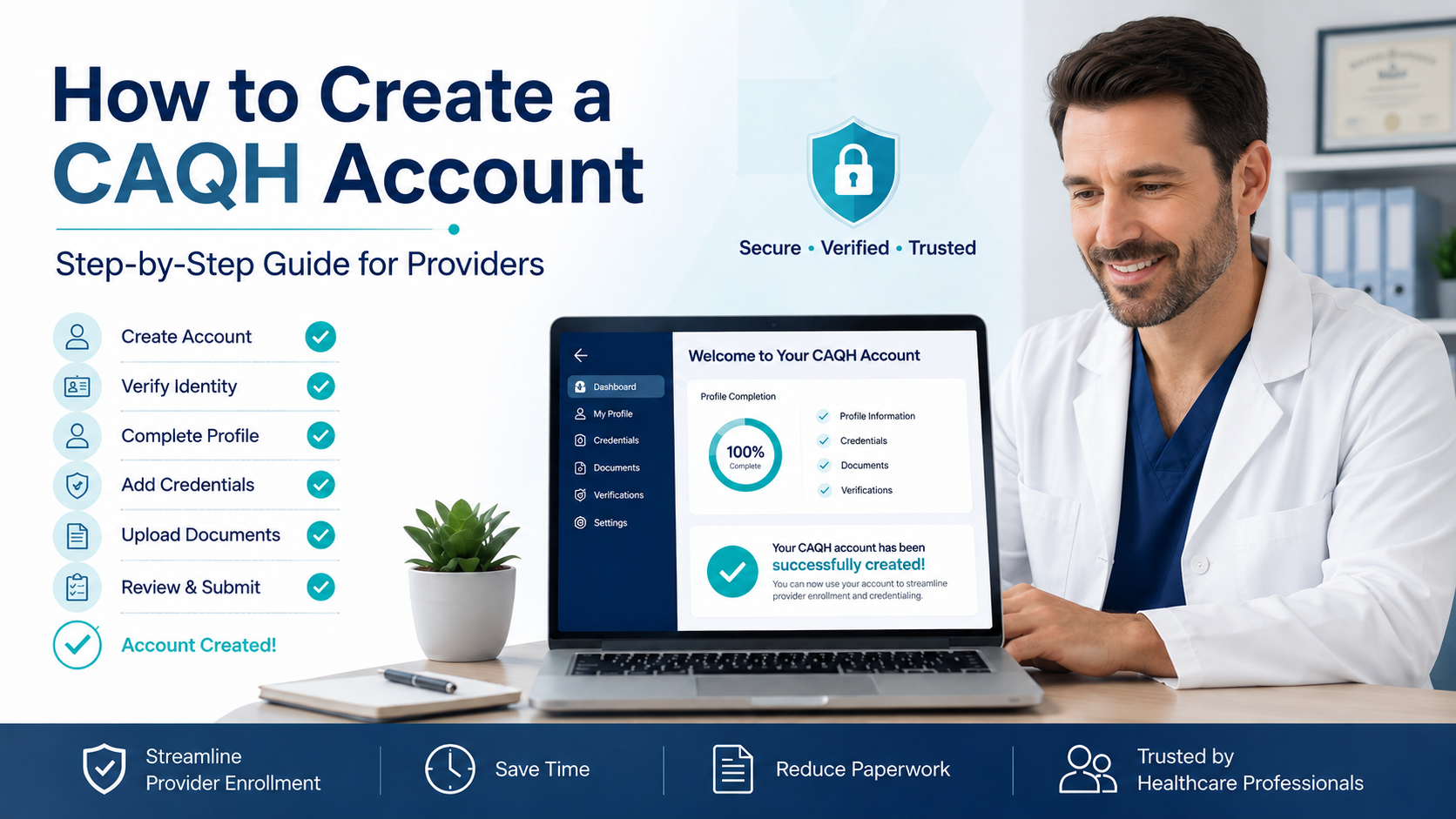
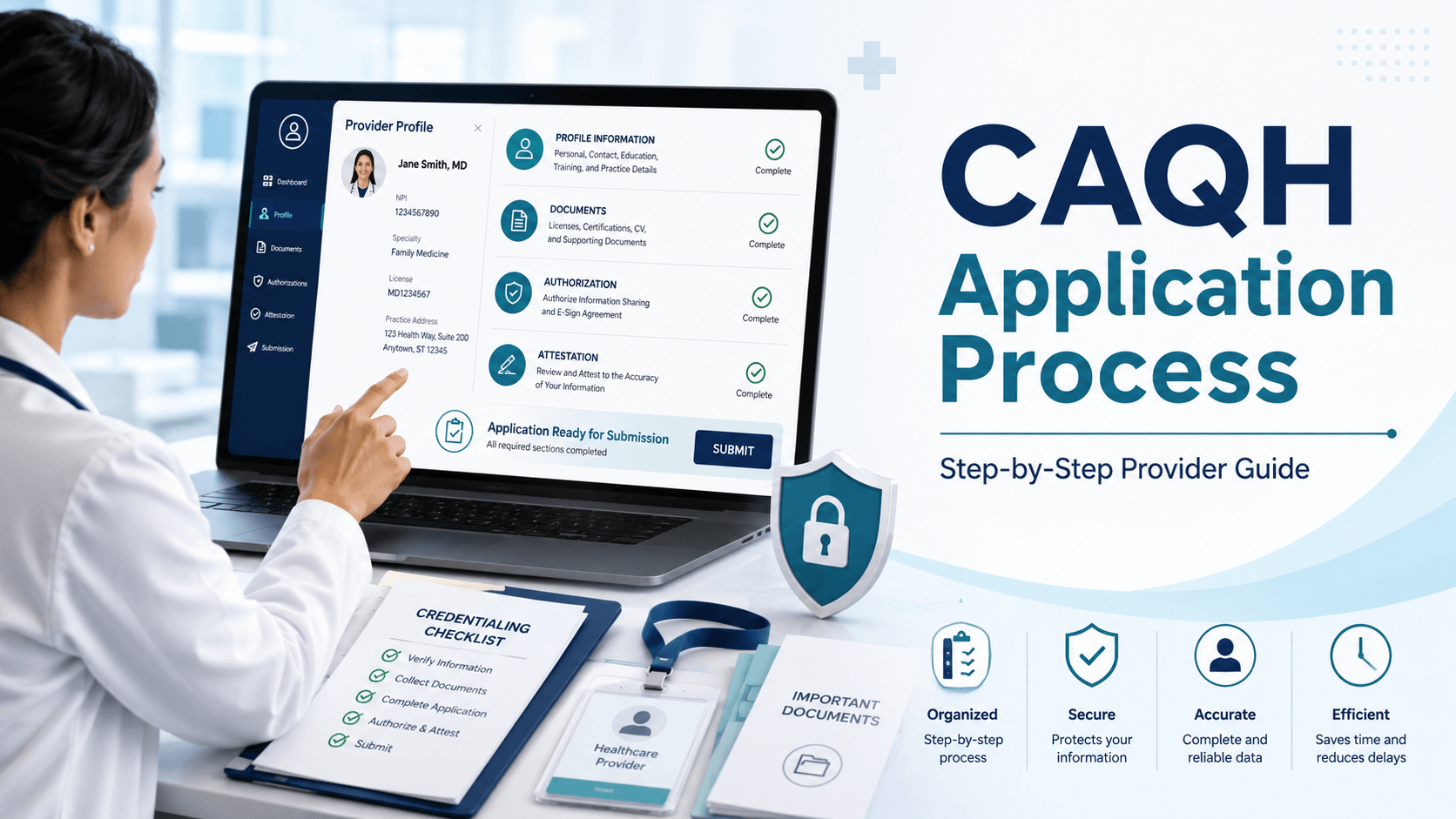
The CAQH application can be completed in seven practical stages: registration, profile completion, error review, authorization, attestation, document submission and status confirmation.
DataSpring’s official high-level instructions are to register, complete the profile and documents, attest to the information, and authorize appropriate organizations.
How Do You Register for a CAQH Account?
Register through an invitation email or use the portal’s self-registration option.
There are three common situations:
1. You received a welcome email
Use the registration link and CAQH Provider ID in the message. The portal will ask you to verify identifying information and establish login credentials.
2. You did not receive an invitation
Visit the provider registration area and select the first-time registration option. Enter the requested identity, provider type, license, and professional identification details. The system will send an email containing your CAQH Provider ID and a link for completing registration.
3. You may already have an account
Do not automatically create a duplicate profile. Use the account-recovery or CAQH ID lookup options, or contact support to confirm whether an existing profile is associated with your identity.
Store the following securely:
- CAQH Provider ID
- Username
- Password
- Security-question information
- Primary contact email
- Next attestation date
How Do You Complete the Profile-Data Sections?
Complete every required field in each profile section and use exact information from professional records.
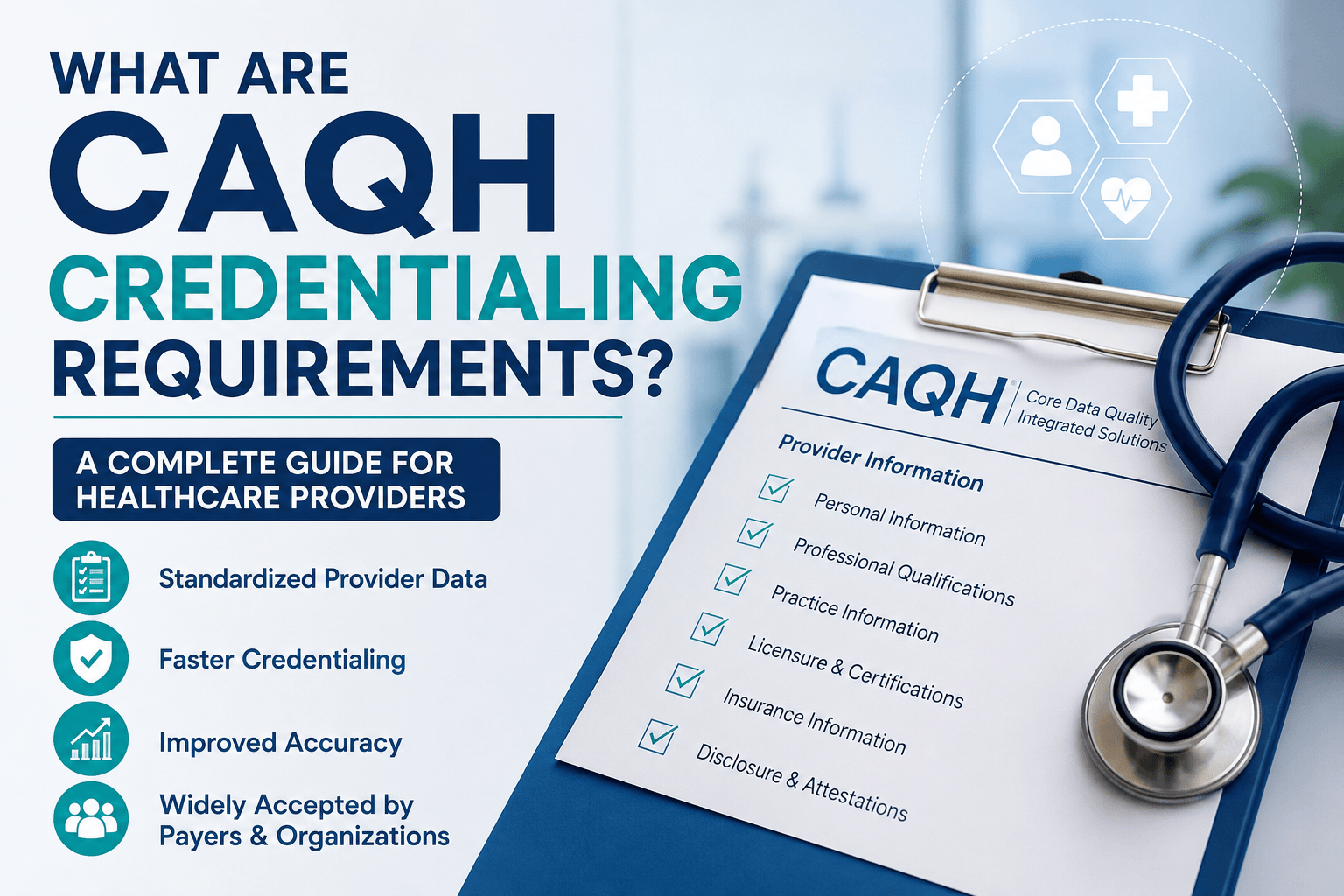
The profile generally includes:
- Personal information
- Professional IDs
- Education and professional training
- Specialties
- Practice locations
- Hospital affiliations
- Credentialing contacts
- Professional liability insurance
- Employment information
- Professional references
- Disclosure questions
The questions presented may vary by provider type and primary practice state.
Important data-entry practices include:
- Use your legal professional name consistently.
- Enter all applicable active licenses.
- Include previous licenses when the application requests them.
- Use accurate start and end dates.
- Explain work-history gaps when required.
- Identify the correct primary practice.
- Enter appointment phone numbers patients actually use.
- List telehealth and physical locations accurately.
- Confirm whether each location accepts new patients.
- Enter current malpractice policy dates and limits.
- Review all state-specific disclosure questions.
Save each section before moving forward.
How Do You Review and Correct Application Errors?
Use the review function to identify missing, conflicting, or invalid fields before attesting.
The portal distinguishes between required fixes and suggested corrections. Required errors normally must be resolved before the application can progress to final attestation and document completion.
Common validation issues include:
- Missing expiration dates
- Incomplete license records
- Unexplained employment gaps
- Duplicate practice locations
- Missing location affiliations
- Incomplete professional-liability records
- Unanswered disclosure questions
- Missing credentialing contacts
- Incorrect NPI type
- Required documents not associated with the correct record
Correct the source data rather than entering temporary information simply to pass the validation screen.
How Do You Authorize Health Plans to Access the Profile?
Select an authorization option that allows the appropriate healthcare organizations to retrieve your information.
The portal offers a broad authorization setting and organization-specific controls. Under global authorization, affiliated organizations that place the provider on their CAQH roster may access the profile. A provider can instead authorize selected organizations individually.
Authorization does not mean that every payer can automatically view the profile. The organization generally must identify the provider as affiliated or in the process of becoming affiliated.
Check the following when a payer says it cannot access your application:
- Is the payer listed in the authorization section?
- Has the payer added you to its CAQH roster?
- Is the correct CAQH Provider ID on the payer application?
- Is the profile attested and current?
- Are documents still missing?
- Is the profile in expired status?
CAQH authorization also does not serve as a participation request. Providers interested in joining a new health plan must contact that payer and follow its onboarding process.
How Do You Complete the Initial Attestation?
Attestation is the provider’s certification that the profile has been reviewed and is accurate, complete and truthful to the best of the provider’s knowledge.
Before selecting Attest:
- Review the data summary.
- Correct all required errors.
- Verify current licenses.
- Confirm practice locations.
- Check liability-insurance dates.
- Review disclosure answers.
- Confirm organization authorizations.
- Read the attestation language carefully.
Attestation is not merely a technical submission button. It is a formal certification of professional information that authorized organizations may use in credentialing and related administrative decisions.
How Do You Upload Supporting Documents?
Upload each requested document under the correct document category after completing the profile requirements and attestation steps shown by the portal.
The provider guide supports PDF, TIF, JPG, and JPEG document formats. Each document should be uploaded separately under the matching document name. Recently submitted files may initially show a Received status and later change to Approved or Failed after review.
Use these document practices:
- Scan the entire document.
- Make every page readable.
- Do not crop names, dates, policy numbers or limits.
- Upload one document type per file.
- Select the correct document category.
- Confirm that the provider name matches the profile.
- Check that the record has not expired.
- Avoid password-protected files.
- Review the document status after submission.
The portal does not accept supporting documents by fax.
How Do You Confirm That the Application Is Complete?
Confirm that the portal status shows the initial profile is complete and that required documents have been approved.
Attesting alone may produce a Profile Data Submitted status while the system is still waiting for supporting documents. The status changes to Initial Profile Complete after the information has been attested and required supporting documents have been received.
Before telling a payer that CAQH is complete, verify:
- Profile data is complete.
- The application has been attested.
- The attestation is current.
- Required documents are approved.
- No documents are expired.
- The payer has been authorized.
- The payer has the correct CAQH Provider ID.
Which Information Is Required in a CAQH Profile?
A CAQH profile requires detailed information about the provider’s identity, qualifications, professional history, insurance and practice operations.
| CAQH section | Typical information requested |
|---|---|
| Personal information | Legal name, contact details, birth information and demographics |
| Professional IDs | NPI, state licenses, DEA, CDS, Medicare or Medicaid identifiers when applicable |
| Education and training | Professional school, internship, residency, fellowship and other training |
| Specialties | Primary and secondary specialties, board information and taxonomy details |
| Practice locations | Addresses, phone numbers, TIN, hours, services, accessibility and panel status |
| Hospital affiliations | Privileges, admitting arrangements and non-admitting affiliations |
| Credentialing contacts | People responsible for application and credentialing communication |
| Liability insurance | Carrier, policy number, coverage dates, limits and covered locations |
| Employment history | Current and previous employment plus required gap explanations |
| Professional references | Qualified professional references and contact information |
| Disclosures | Professional conduct, sanctions, claims and state-specific questions |
The exact questions differ according to specialty, provider type, state and the records already associated with the profile.
Which Documents May Be Required for CAQH?
Required documents depend on the provider’s profile, profession and state, but common supporting documents include professional registrations, insurance evidence and release forms.
The official provider guide lists examples such as:
- DEA certificate
- Controlled Dangerous Substances certificate
- Malpractice insurance policy face sheet
- Signed Authorization, Attestation and Release form
Additional documents may appear in the portal based on the provider’s answers and state requirements.
A payer may separately request documents not shown as required in CAQH, including:
- W-9
- Group roster
- Ownership disclosure
- Collaborative agreement
- Supervisory agreement
- State-specific questionnaire
- Facility accreditation
- EFT information
- Voided check
- Payer participation agreement
For example, UnitedHealthcare’s provider onboarding instructions identify the W-9, licensing details, work and education histories, liability face sheet, NPI and CAQH ID among the materials a provider may need.
Do not assume that uploading documents to CAQH satisfies every payer-specific requirement.
What Does CAQH Attestation Mean?
CAQH attestation means the provider has reviewed the application and formally confirmed that its information is accurate and complete.
Attestation serves several functions:
- Creates a dated certification of the profile
- Allows authorized organizations to rely on the submitted information
- Makes updated information available after submission
- Begins the countdown to the next required attestation
- Supports credentialing and directory-maintenance workflows
The Authorization, Attestation and Release form may also appear as a required supporting document. The current provider guide says the applicable form must be signed, dated and submitted within 120 days of its signature date.
The provider remains responsible for the accuracy of the attestation even when office staff or a credentialing company enters the data.
How Often Must You Re-Attest Your CAQH Profile?
Most providers must re-attest every 120 days. Illinois providers follow a 180-day cycle under the portal’s current guidance.
Directory-update requests may encourage confirmation every 90 days, but the regular credentialing attestation deadline remains 120 days for most providers. A profile that is not re-attested by the deadline can move to Expired status.
During re-attestation:
- Review all profile sections.
- Update changed information.
- Replace expired licenses or insurance records.
- Review newly suggested practice locations.
- Correct errors.
- Confirm authorization settings.
- Attest again.
The portal sends reminder emails before expiration, making it important to maintain a current primary email address and appropriate additional contacts.
How Long Does the CAQH Application Process Take?
A well-prepared provider may complete the initial data-entry portion in approximately two hours, but complex profiles can take longer.
The total CAQH completion time depends on:
- Number of practice locations
- Number of licenses
- Amount of education and postgraduate training
- Length and complexity of work history
- Availability of exact dates
- Number of disclosure explanations
- Document quality
- State-specific requirements
- Speed of correcting rejected documents
The official guide says supporting documents are generally reviewed within approximately 48 hours after submission. A confirmation may be sent after the required documents have been received and approved.
This is not the same as the payer’s credentialing timeline. After accessing the CAQH application, a payer may perform primary-source verification, request missing information, review the file through a credentialing committee, complete contracting and load the provider into claims systems.
Payer timelines vary. For example, Cigna publishes a standard medical credentialing turnaround of approximately 45 to 60 days, while UnitedHealthcare states that its process generally takes up to 45 calendar days or more after receiving a completed application and all required information. These examples should not be treated as universal deadlines.
What Do the Different CAQH Statuses Mean?
A CAQH status shows how far the profile has progressed and whether the application remains current.
| Status | What it generally means | Recommended action |
|---|---|---|
| New provider | A record exists, but registration is incomplete | Complete registration |
| First provider contact | The provider has logged in or contacted support | Continue the application |
| Profile Data Submitted | The profile was attested, but documents may still be pending | Review the Documents section |
| Initial Profile Complete | Data was attested and required documents were received | Confirm payer authorization |
| Re-Attestation | The completed profile is being maintained and re-attested | Continue regular reviews |
| Expired Attestation | The previous attestation is more than 120 days old for most providers | Update and re-attest immediately |
| Opt out | The provider requested removal from the database | Contact support when reactivation is needed |
These definitions are based on the status descriptions in the official provider guide.
Do not rely only on the word “submitted.” A submitted profile may remain unusable for a payer when required documentation is missing or the payer has not been authorized.
How Is CAQH Different From Credentialing, Contracting and Enrollment?
CAQH collects and shares provider data, while credentialing, contracting and enrollment are separate decisions and operational processes.
| Process | Main purpose | Controlled by | Typical result |
|---|---|---|---|
| CAQH profile | Collect and share provider information | Provider and DataSpring portal | Completed, attested data profile |
| Credentialing | Verify qualifications and professional history | Health plan, hospital or CVO | Credentialing approval or denial |
| Contracting | Establish participation terms and reimbursement | Provider and payer | Signed participation agreement |
| Enrollment/system loading | Add the approved provider to payer billing systems | Payer enrollment team | Billing record and effective date |
| Medicare enrollment | Establish Medicare billing privileges | CMS and the applicable MAC | Approved PECOS enrollment |
Aetna explicitly describes credentialing as separate from network contracting and states that both must be completed before a professional becomes a network provider.
Does Completing CAQH Make You an In-Network Provider?
No. Completing CAQH does not automatically make a provider in-network.
The provider must normally:
- Determine whether the payer is accepting the specialty.
- Submit a participation or onboarding request.
- Provide the CAQH Provider ID.
- Authorize the payer in CAQH.
- Complete credentialing.
- Review and sign a contract.
- Complete enrollment and system loading.
- Receive a confirmed effective date.
Do not treat patients as in-network based only on a completed CAQH profile, a verbal update or receipt of an unsigned contract.
UnitedHealthcare states that receiving a contract is not confirmation of credentialing approval or authorization to see members as an in-network provider. It requires completion of both credentialing and contracting.
Does CAQH Replace Medicare Enrollment Through PECOS?
No. CAQH does not replace Medicare enrollment.
Providers seeking Medicare billing privileges generally need to:
- Obtain an NPI through NPPES.
- Complete the appropriate Medicare enrollment application through PECOS.
- Pay an application fee when applicable.
- Work with the relevant Medicare Administrative Contractor.
- Respond to requests for additional information.
- Maintain the Medicare enrollment record.
CMS identifies PECOS as Medicare’s online provider-enrollment system.
A provider may therefore need both a current CAQH profile for commercial payer credentialing and a separate PECOS record for Medicare.
Which Mistakes Commonly Delay a CAQH Application?
The most common delays result from incomplete fields, inconsistent information, expired records, incorrect authorization and rejected documents.
Avoid these mistakes:
Creating a duplicate profile
Search for an existing CAQH ID before self-registering again.
Using inconsistent names
Make sure the legal name is consistent with the license, NPI, DEA certificate, insurance policy and other professional records.
Entering incomplete work history
Use accurate month-and-year dates and explain required gaps.
Listing outdated practice locations
Remove or archive locations where appropriate and add all current service addresses.
Using the wrong TIN or group information
Verify the billing arrangement and compare the profile with the current W-9.
Uploading documents under the wrong category
A license uploaded as liability insurance may fail review.
Uploading unclear or incomplete scans
Illegible documents, missing pages, absent signatures and expired records can be rejected. The provider guide identifies illegible, non-compliant and ineligible files as common failure reasons.
Forgetting payer authorization
A complete profile is not useful to a payer that cannot access it.
Attesting before final review
Incorrect information becomes part of the formally certified application.
Missing the re-attestation deadline
An expired profile can interrupt credentialing or recredentialing activity.
Assuming CAQH starts payer enrollment
Contact each payer directly and submit its participation request.
Can a Practice Manager Complete the CAQH Application?
A practice manager or credentialing professional can assist with data entry and profile maintenance, but the provider remains accountable for the final information and attestation.
CAQH offers practice-manager functions that can reduce repeated entry of shared information such as practice names, addresses and phone numbers. The provider can review and choose whether to import data submitted through the practice-management workflow.
A safe delegation process should include:
- Written provider authorization
- Role-based access rather than password sharing where possible
- A secure document-storage process
- Provider review of disclosures
- Provider review before attestation
- A calendar for license and insurance expirations
- A 90- or 120-day maintenance reminder
- Removal of former staff access
- Documentation of every payer authorization
Sensitive personal information should not be distributed through unsecured email or shared spreadsheets.
How Can You Keep Your CAQH Profile Accurate?
Review the profile whenever professional or practice information changes rather than waiting for the next re-attestation deadline.
Update CAQH after changes involving:
- Legal or professional name
- State license
- DEA registration
- Specialty
- Board certification
- Employment
- Practice address
- Appointment phone number
- Office hours
- Telehealth status
- New-patient availability
- Hospital privileges
- Liability insurance
- Credentialing contacts
- Adverse professional disclosures
Updating CAQH does not necessarily update every payer immediately. Confirm each payer’s demographic-change process, particularly for TIN changes, new locations, group affiliations and ownership changes.
Accurate provider data supports credentialing, enrollment, referrals and patient access, while reducing repeated payer follow-up.
What Is the Key Takeaway?
A successful CAQH application requires more than filling in basic contact information. Providers must submit a complete professional history, correct validation errors, authorize appropriate organizations, attest to accuracy and upload acceptable supporting documents.
Use this final checklist:
- Verify your NPI and professional records.
- Locate or create your CAQH profile.
- Complete all required sections.
- Correct every required error.
- Review disclosure answers carefully.
- Authorize the correct health plans.
- Complete attestation.
- Upload clear, current documents.
- Confirm Initial Profile Complete status.
- Give the correct CAQH ID to each payer.
- Complete separate payer onboarding.
- Re-attest every 120 days unless a different state rule applies.
What Should Providers Know About the CAQH Application Process?
Is CAQH now called DataSpring?
Yes. CAQH rebranded as DataSpring, powered by CAQH, in 2026. Existing provider accounts, login credentials and portal functions remain available, so providers do not need to create new profiles because of the rebrand.
Is there a fee to create a CAQH profile?
No. The CAQH Provider Data Portal is available to individual providers, practice managers and provider groups without a provider-use fee.
Can I register without a health plan invitation?
Yes. Providers can use the portal’s self-registration option even when they have not received a welcome email from a payer.
Can a provider have more than one CAQH profile?
A provider should generally maintain one individual CAQH profile. Before registering again, use the CAQH ID lookup or contact support to avoid creating a duplicate account.
What should I do when a payer cannot access my profile?
Verify that the payer has your correct CAQH ID, has added you to its roster, is authorized in the portal and can see a current, fully attested profile. Also confirm that required documents have been approved.
How do I know whether my documents were accepted?
Open the Documents section and review the status of each file. A newly uploaded file may show Received, followed by Approved or Failed after review. Rejected-document notices should identify the reason and required correction.
What happens when my CAQH profile expires?
The profile moves to expired status when the required re-attestation is overdue. Update the profile, replace expired documents, correct outstanding errors and submit a new attestation to restore current status.
Who should I contact for CAQH support?
Provider, practice-manager and provider-group support is available through portal chat and by telephone at 1-888-599-1771. DataSpring currently lists telephone support from 8 a.m. to 8 p.m. Eastern Time, Monday through Friday, and chat support from 8 a.m. to 6:30 p.m. Eastern Time.