Table of Contents
Physician Credentialing Process (Step-by-Step Guide to Faster Payer Enrollment)
Physician credentialing is not “paperwork.” It’s revenue access.
If credentialing stalls, claims are denied. Start dates slip. Patients wait. Cash flow tightens. And your practice looks disorganized to payers.
Here’s why this process must be treated like a revenue-critical system: the AMA notes credentialing can take 90–120 days in some institutions, so late starts delay go-live dates. CAQH requires providers to re-attest every 120 days, and an inactive CAQH profile can slow or stop payer processing. For Medicare, CMS warns that missing revalidation can lead to payment holds or deactivation, and Medicare won’t reimburse for services during the deactivation period. Meanwhile, MGMA reported 54% of practices saw credentialing-related denials increase (showing the financial risk when credentialing data isn’t tight).
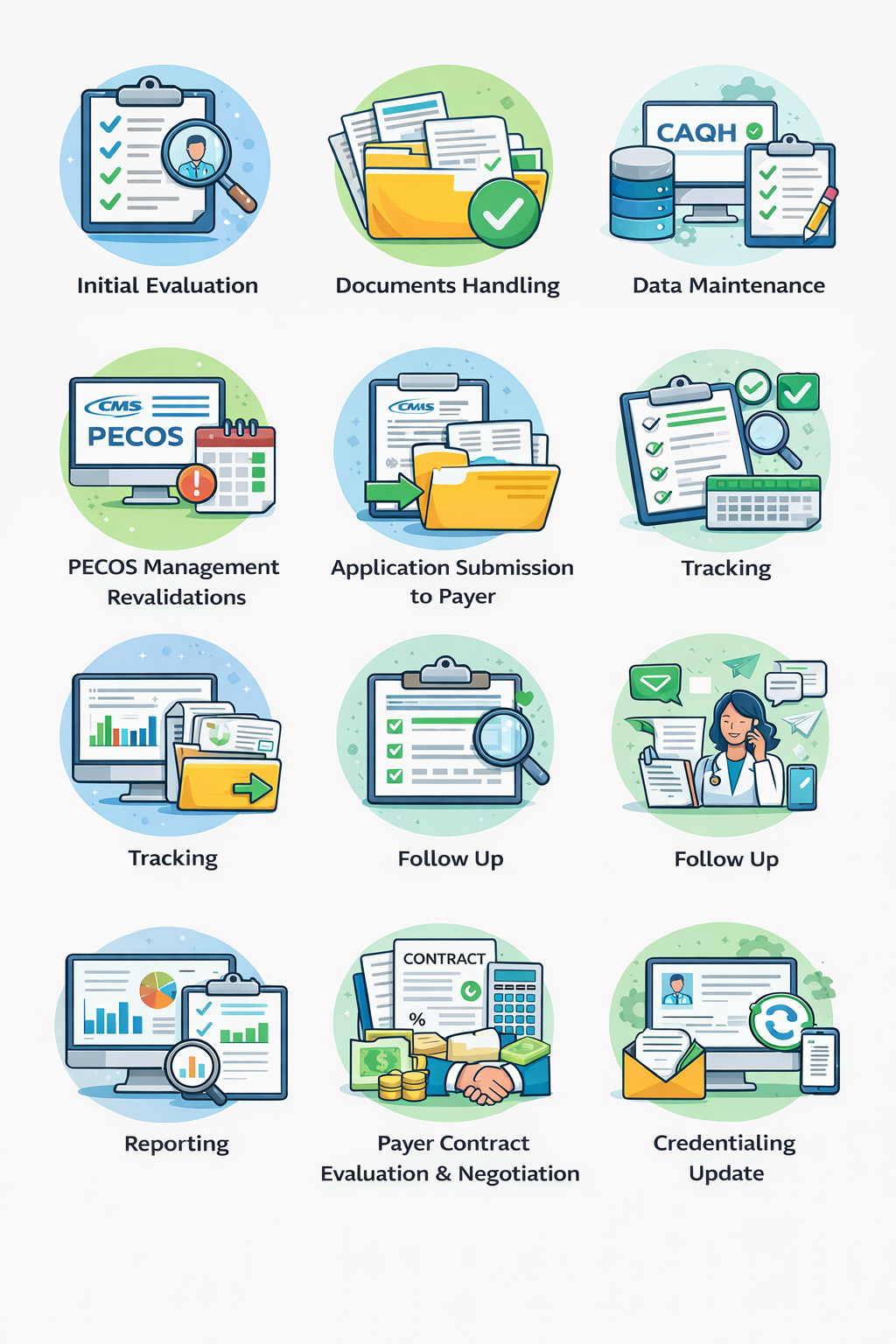
Below is a comprehensive guide built around these exact steps:
Initial Evaluation
Documents Handling
Data Maintenance
CAQH Attestation / Re-Attestation
PECOS Management / Revalidations
Application Submission to Payer
Tracking
Follow Up
Reporting
Payer Contract Evaluation & Negotiation
Management of All Credentials
Credentialing Update
The Credentialing Steps Explained
1) Initial Evaluation
This step decides if credentialing will succeed before anyone touches a form.
Goal: Confirm readiness, risk, and requirements.
What you evaluate:
Provider type (MD/DO/NP/PA, specialty)
Practice structure (solo, group, multi-location)
State license status and expiration
Board status (certified, eligible, or in progress)
Hospital privileges requirements (if needed)
Malpractice coverage status
Any gaps in work history or training
Output: A credentialing plan:
Target payers
Submission sequence
Expected timelines
Missing items list
2) Documents Handling
Credentialing is document-driven. Payers won’t “assume.” They verify.
Goal: Build a complete credentialing packet that matches payer rules.
Core document checklist:
NPI confirmation (Type 1 and Type 2 if applicable)
State license(s)
DEA certificate (if prescribing controlled substances)
Board certification proof (or eligibility letter)
Malpractice COI (Certificate of Insurance)
CV with month/year format and no gaps
Driver’s license or passport
W-9 (correct tax name and TIN)
Practice address verification
Liability insurance details
Hospital privileges letter (when required)
3) Data Maintenance
Credentialing fails when data conflicts across systems.
Goal: Keep provider data consistent everywhere.
You maintain:
Legal name formatting (exact match)
Practice addresses (suite numbers matter)
Phone/fax consistency
Taxonomy codes
Specialty and subspecialty labels
Group affiliations
EFT/ERA details for payments
Ownership and managing control info
4) CAQH Attestation / Re-Attestation
CAQH is where many payers pull your profile. It’s not optional in most markets.
Goal: Complete the CAQH profile and keep it re-attested on time.
Key actions:
Populate every section fully
Upload current documents
Ensure work history has no unexplained gaps
Add practice locations and billing details correctly
Attest the profile (and re-attest when due)
5) PECOS Management / Revalidations
PECOS matters for Medicare enrollment and compliance.
Goal: Maintain CMS enrollment data and prevent billing privilege issues.
What you manage:
Correct entity enrollment (individual vs group)
Reassignments to the group
Authorized officials and delegated officials
Practice location updates
Revalidation notifications and deadlines
6) Application Submission to Payer
Now you submit payer-specific applications. Every payer has quirks.
Goal: Submit complete, accurate applications with all attachments.
Typical submission routes:
Payer portals
CAQH-linked submission
PDF application packets
Clearinghouse or third-party systems
What “complete” means:
Application signed and dated correctly
Supporting docs attached
W-9 matches the tax entity
EFT forms correct
Group details aligned
7) Tracking
Submitting isn’t progress unless you can prove it.
Goal: Track each payer, each provider, each status—daily.
Track fields that actually matter:
Payer name
Provider name/NPI
Submission date
Portal confirmation number
Assigned rep name
Current status
Missing items requested
Last contact date
Next follow-up date
Expected effective date
Approval date
Contract status
Credentialing without tracking becomes guesswork. Guesswork becomes lost revenue.
8) Follow Up
Follow-up drives completion. Silence creates delays.
Goal: Move applications through payer queues.
Follow-up rhythm:
7–10 days after submission
Weekly during review
48 hours after a request for information
Escalate after 2–3 stalled cycles
What you ask in follow-up:
“Is the application complete?”
“Any outstanding verifications?”
“Any missing documents?”
“What is the expected credentialing committee date?”
“Can you confirm the effective date policy?”
9) Reporting
Reporting turns credentialing from “busy work” into performance.
Goal: Make credentialing measurable.
High-impact KPI reporting:
Average days to credential by payer
Denial rate and reasons
Pending count by stage
Provider go-live forecasting
Revalidation calendar health
Contract turnaround time
Reports help leadership decide:
Which payers are worth it
Where bottlenecks live
How to forecast revenue start dates
10) Payer Contract Evaluation & Negotiation
Credentialing gets you in. Contract terms decide your profit.
Goal: Secure better reimbursement and cleaner terms.
What you review:
Fee schedule (by CPT and specialty)
Timely filing limits
Prior authorization burdens
Claims appeal timelines
Recoupment clauses
Credentialing and termination terms
EFT/ERA obligations
Patient steerage requirements
Negotiation levers:
Market demand for your specialty
Multi-location growth
Patient volume projections
Quality metrics and outcomes
Competing payer offers
11) Management of All Credentials
This step prevents future disasters.
Goal: Maintain every credential and renewal in one controlled system.
You manage:
License renewals
DEA renewals
Board certification renewal timelines
CME documentation (as required)
Malpractice renewals
BLS/ACLS (for certain settings)
Hospital privileges updates
Sanctions monitoring (OIG/SAM, payer checks)
12) Credentialing Update
Credentialing changes constantly. Updates keep payers aligned.
Goal: Notify payers and update profiles when anything changes.
Changes that require updates:
New address or suite
New phone/fax
Legal name change
Tax ID change
Ownership changes
New specialty or taxonomy
Provider leaving or joining a group
New hours or location status
FAQ: Physician Credentialing Process
Is credentialing the same as payer enrollment?
They overlap, but credentialing is verification and approval. Enrollment activates billing under the payer.
Do I need CAQH for every payer?
Many commercial payers require it or use it heavily. It reduces repetitive paperwork.
What is PECOS used for?
PECOS supports Medicare enrollment and ongoing CMS updates and revalidation management.
What’s the biggest cause of delays?
Incomplete packets and conflicting data across CAQH, PECOS, and payer applications.
Final Takeaway
The physician credentialing process is a cycle, not a one-time event.
When you run these steps in order—evaluate, organize documents, maintain data, attest CAQH, manage PECOS, submit, track, follow up, report, negotiate contracts, manage credentials, and update continuously—you reduce denials, shorten timelines, and protect revenue.
Stuck in “Pending”? We Move Your Credentialing Forward.
If payers keep requesting the same documents, if CAQH isn’t syncing, or if your effective date keeps slipping—your process needs stronger control. Vital Health Services builds a clean credentialing workflow with complete documentation, consistent data, and proactive follow-up. We cover all specialties and practice types, helping you reduce denials, avoid rework, and get in-network faster.